
Documentation
Documentation
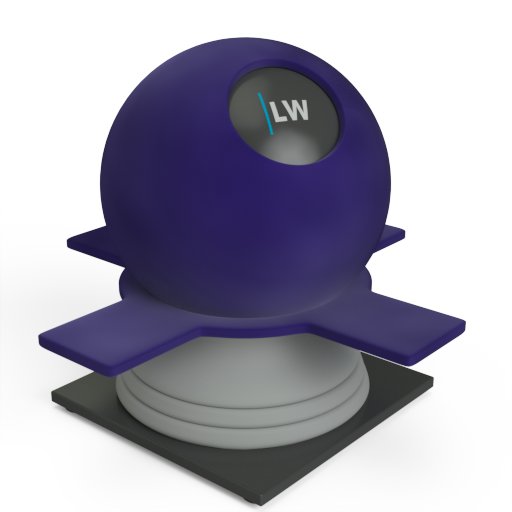
A component for representing materials that have a 'pile' such as velvet and suede. ('Backscatter' refers to the reflection of light back in the direction from which it originated.)
This component combines two reflectance functions: a backscatter function where rays of light get reflected back toward the light source, and a standard glossy function where light is bounced off at the angle of incidence. The combination of these two functions is controlled by the GlossyWeight parameter; setting 0.0 for this results in pure backscattering.
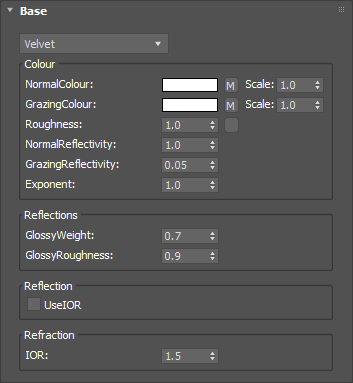
The color when looking directly down onto the surface of an object.
Input: Color or Map
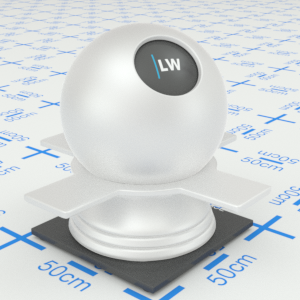


Click material thumbnail for larger view
The color when looking at the 90˚ edge of an object.
Input: Color or Map
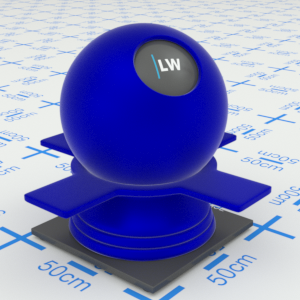
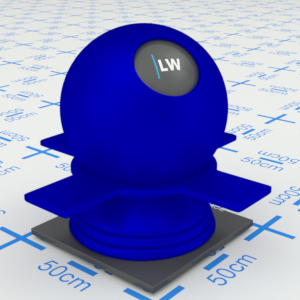
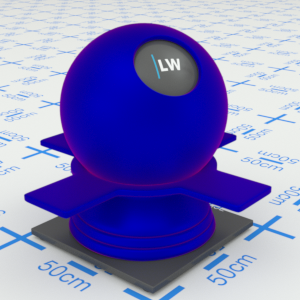
Click material thumbnail for larger view
Simulates the strength of the material's pile. Higher values will result in more blurred reflections.
Input: 0.0 – 1.0 or Map
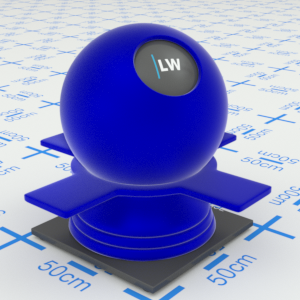
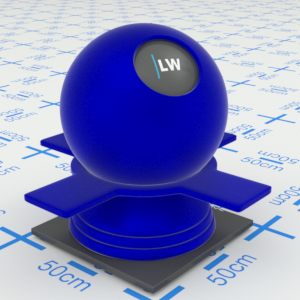
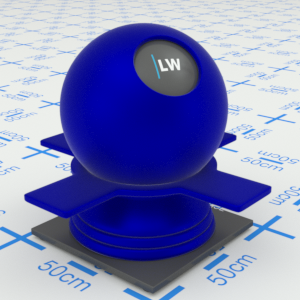
Click material thumbnail for larger view
Controls how shiny the object appears when viewed straight on.
Range: 0.0 – 1.0
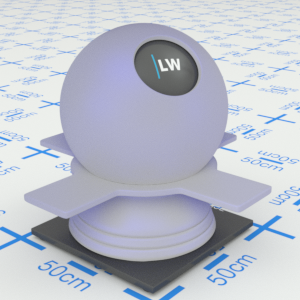


Click material thumbnail for larger view
Controls how shiny the object appears when viewed at a very shallow angle.
Range: 0.0 – 1.0
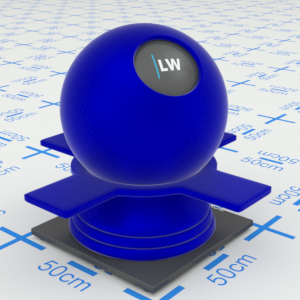
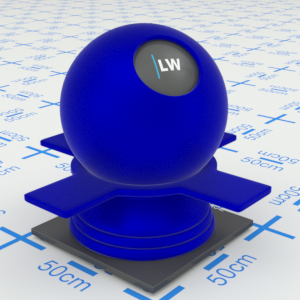
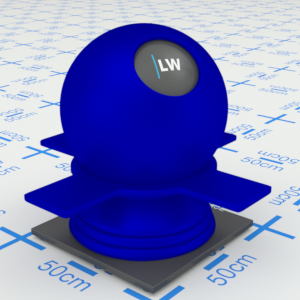
Click material thumbnail for larger view
Controls how quickly the shininess changes between the normal and grazing values as you move across the surface.
Range: 0.01 – 25.0
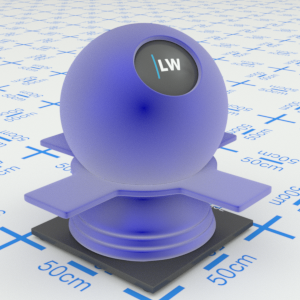

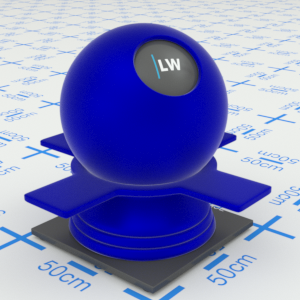
Click material thumbnail for larger view
Specifies how much of the material should be made up of the glossy function. Set this to 0.0 for pure backscattering.
Range: 0.0 – 1.0
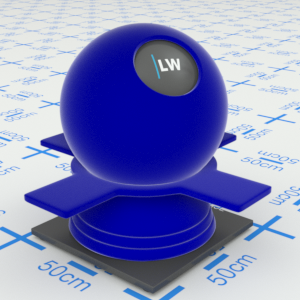
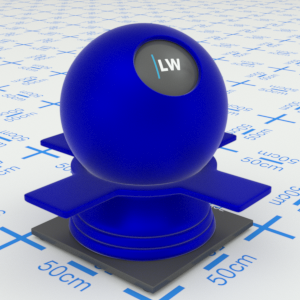
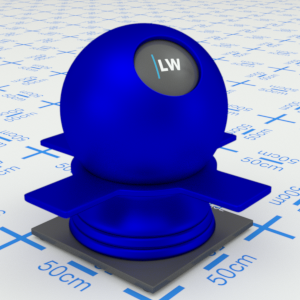
Click material thumbnail for larger view
Simulates the level of polish in the glossy part of the material. Higher values will result in more blurred reflections.
Range: 0.0 – 1.0
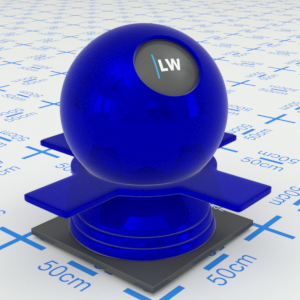
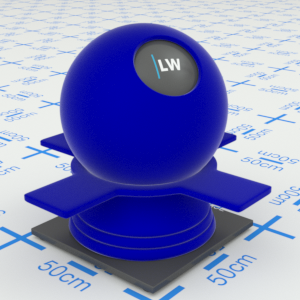
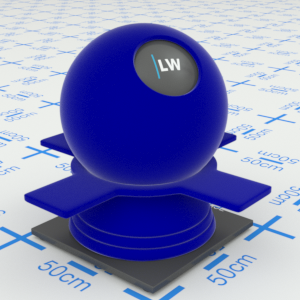
Click material thumbnail for larger view
Ignores the NormalReflectivity, GrazingReflectivity, and Exponent settings, and instead uses the IOR parameter (see below) to define the falloff curve.
Input: On/Off Checkbox
Index of Refraction. Controls the amount of reflection and shape of the falloff curve. UseIOR must be ticked.
Range: 0.0 – 50.0
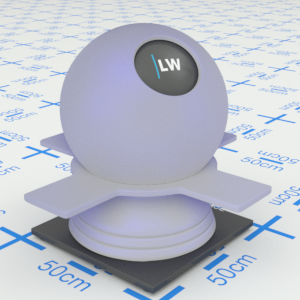
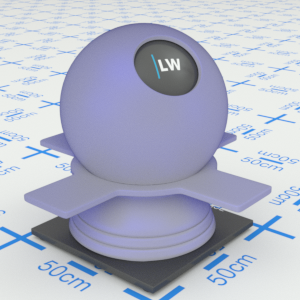
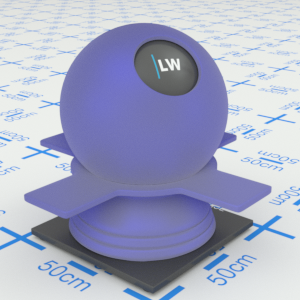
Click material thumbnail for larger view
Click material thumbnail for larger view
Base
Last edited: