
Documentation
Documentation
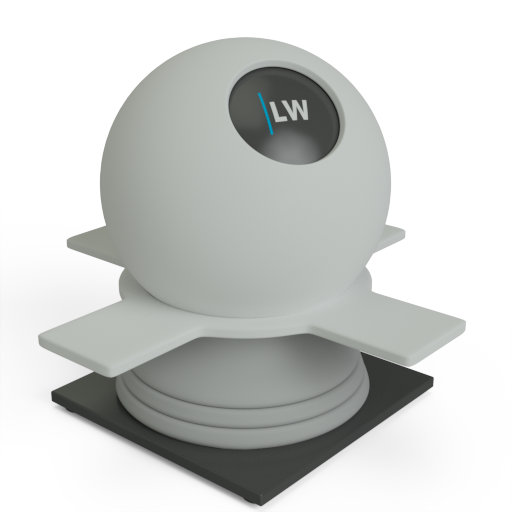
A component useful for representing non-shiny materials. It uses a Lambertian reflection model where reflected rays are scattered in a random direction across a hemisphere.
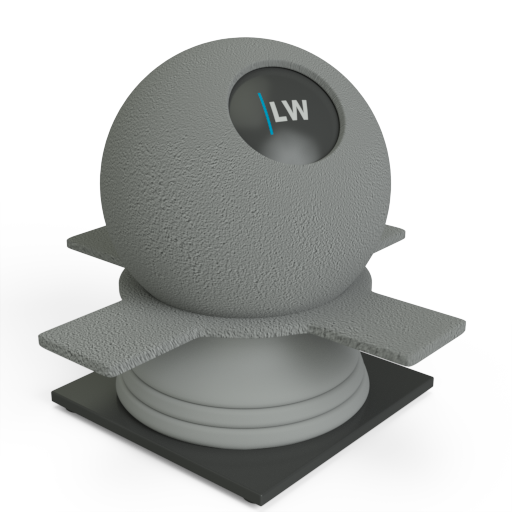
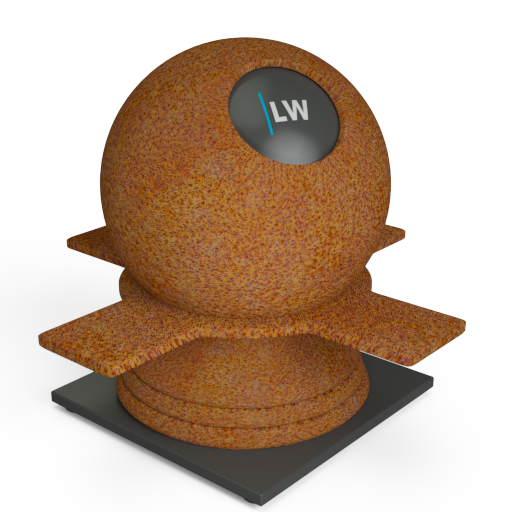
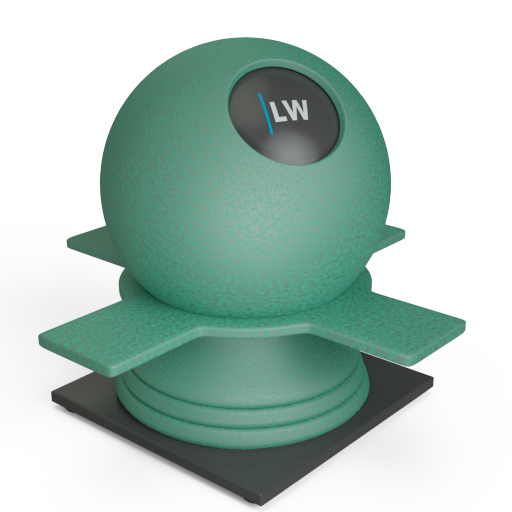
It also has a roughness parameter that uses the Oren-Nayar method for representing rough surfaces made up of microfacets oriented in different directions. To be accurate, it predicts reflectance from rough diffuse surfaces for the entire hemisphere of source and sensor directions. The model for this component takes into account complex physical phenomena such as masking, shadowing, and interreflections between points on the surface facets. In practical terms, increasing the roughness parameter is useful for representing powdery surfaces such as rust.

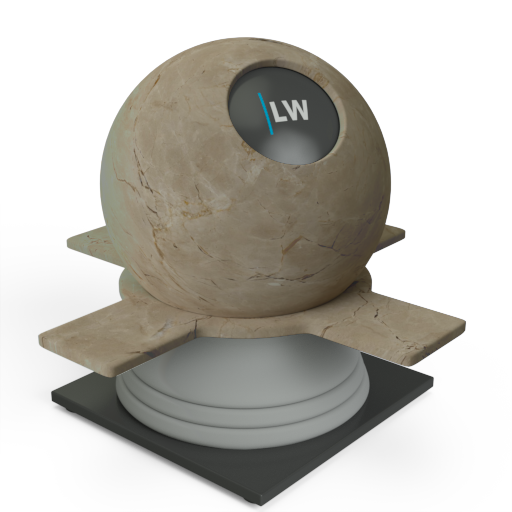
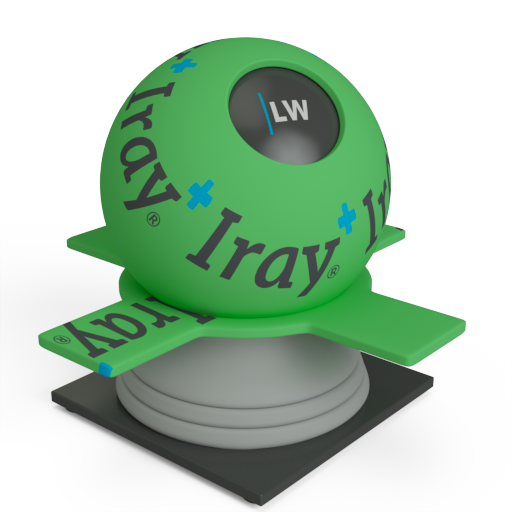
The basic color of the component. This can be a single color value or a texture map.
Input: Color or Map
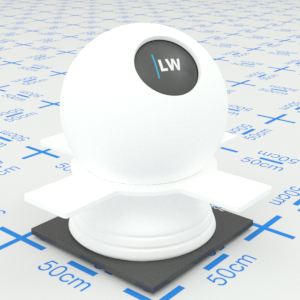
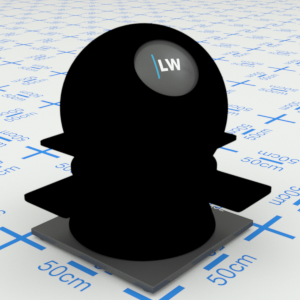
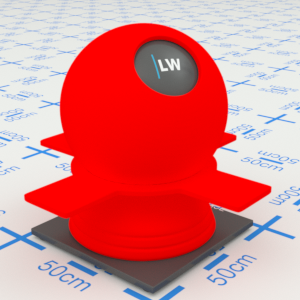
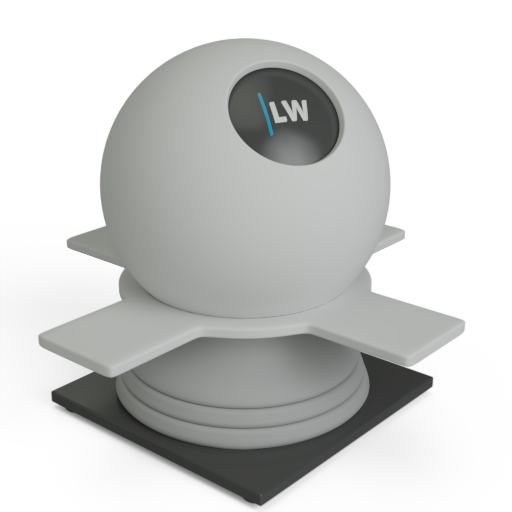
Click material thumbnail for larger view
This parameter behaves differently to the 'roughness' parameters of all the other Iray+ components. Increasing DiffuseRoughness makes the surface look powdery or rubbery whereas, in all of the other Iray+ components, the 'roughness' parameter controls glossy roughness, which affects how blurred the reflections appear.
Input: 0.0 – 1.0 or Map
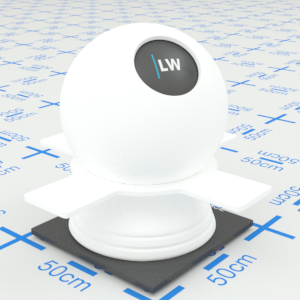
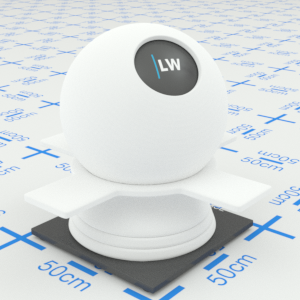
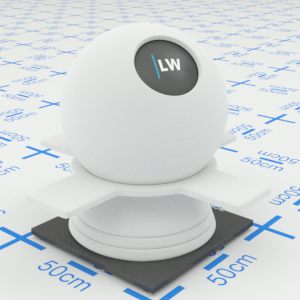
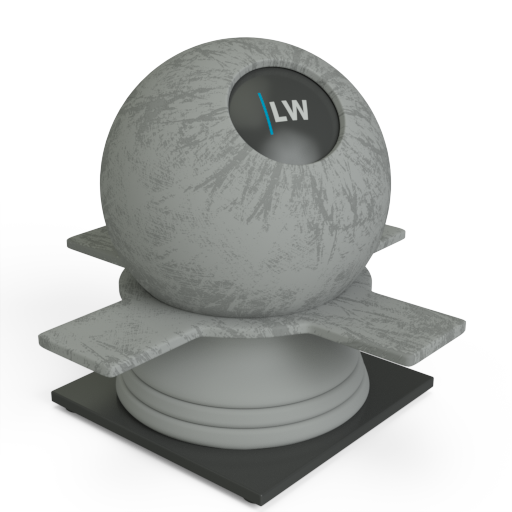
Click material thumbnail for larger view
Gives control over the contribution of the layer to the overall material appearance. A value of 1.0 will completely block any effect of any material layers below. A value of 0.0 will remove the layer's contribution to the overall material appearance.
Input: 0.0 – 1.0 or Map
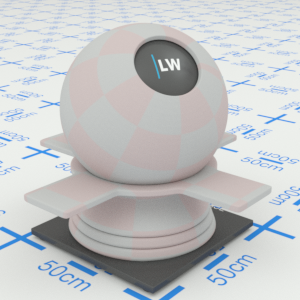


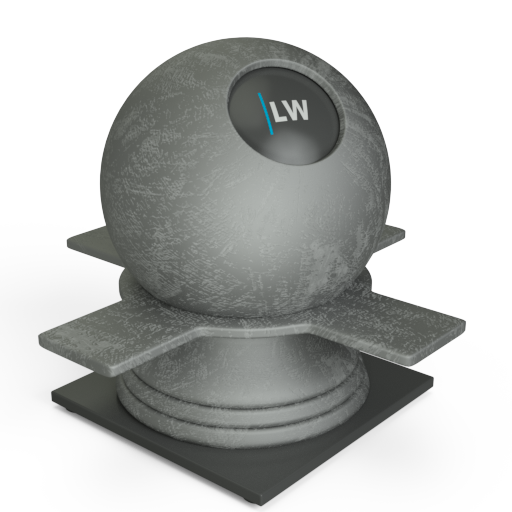
Click material thumbnail for larger view
Allows you to set a bump map to simulate surface detail and control the intensity and orientation of the effect.
Input: 0.0 –, or Map
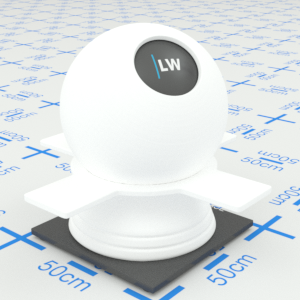
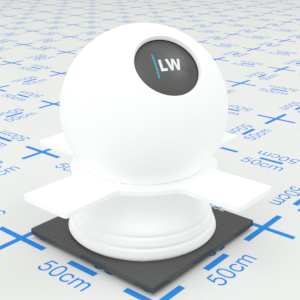
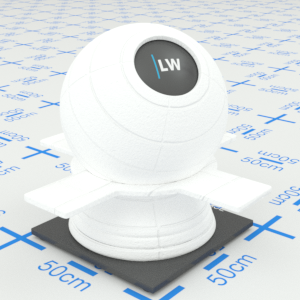
Click material thumbnail for larger view
Click material thumbnail for larger view
Base
Decal
Coating
Surface

Last edited: