
Documentation
Documentation
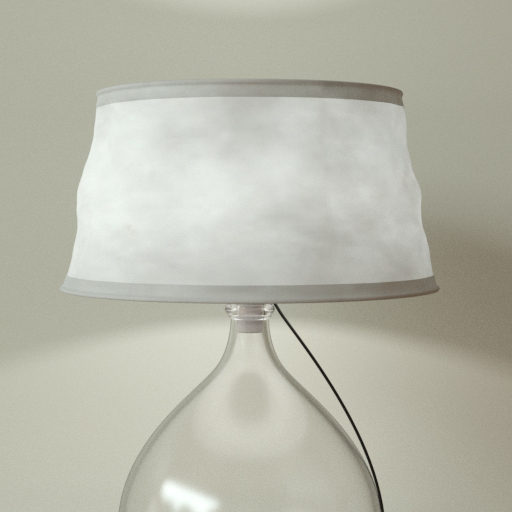
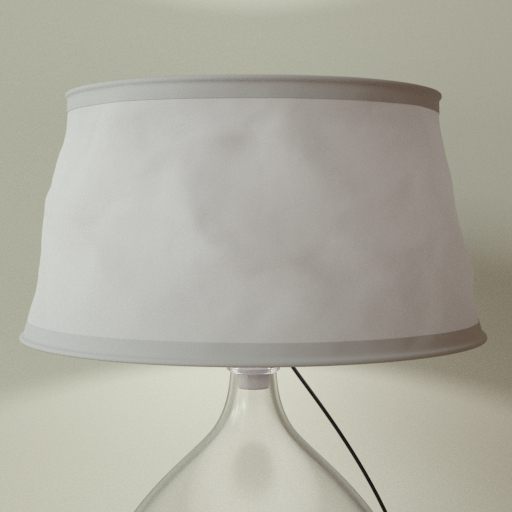
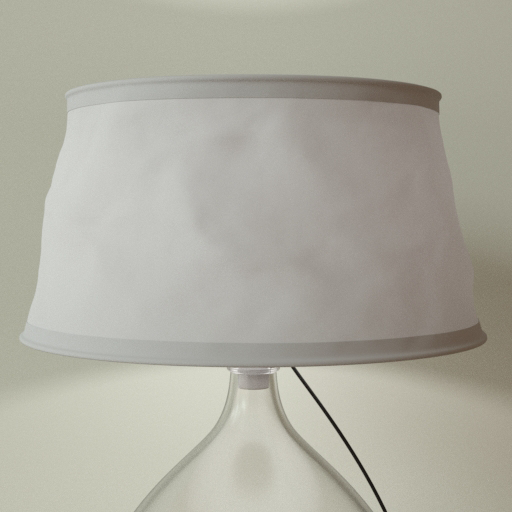
A component useful for representing non-shiny matte materials that transmit light, such as lampshades or translucent paper screens. It has a roughness parameter that uses the Oren-Nayar method for representing rough surfaces made up of microfacets. In practical terms, increasing this parameter is useful for representing powdery surfaces.
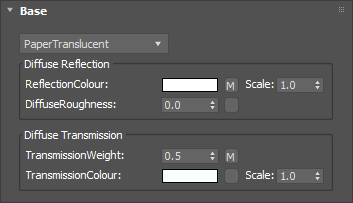
The basic color of the component. This can be a single color value or a texture map.
Input: Color or Map


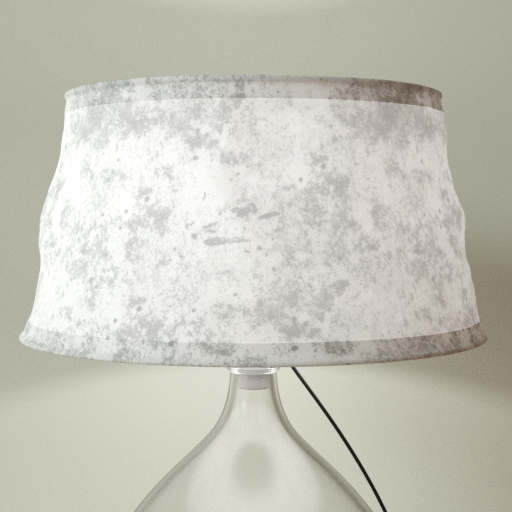
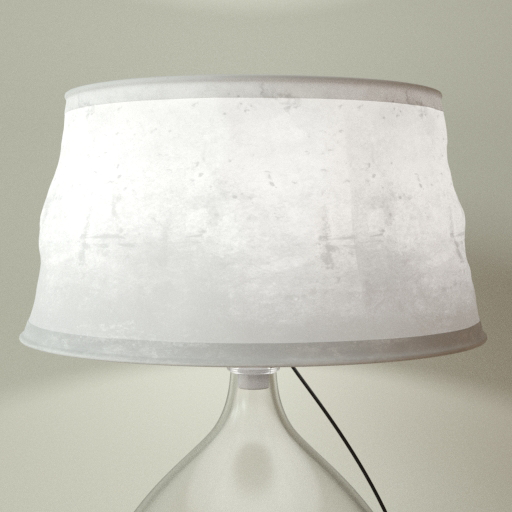
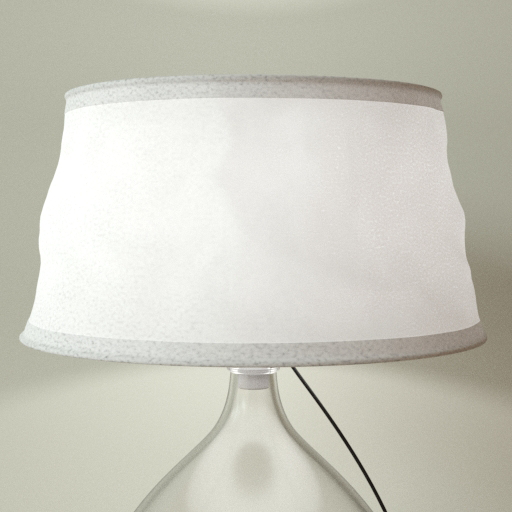
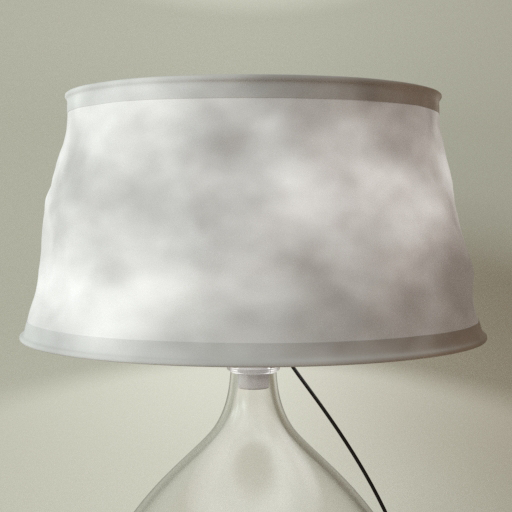
Click material thumbnail for larger view
Controls the Oren-Nayar roughness of the material. Higher values make the surface look more powdery or rubbery.
Input: 0.0 – 1.0 or Map


Click material thumbnail for larger view
Controls how much light can pass through the material. Setting this to zero will make the material opaque. For real-world materials, this parameter should always be less than 0.5.
Input: 0.0 – 1.0 or Map


Click material thumbnail for larger view
Controls the color of light passing through the material. For most materials this would be the same as the ReflectionColour. This can be a single color value or a texture map.
Input: Color or Map
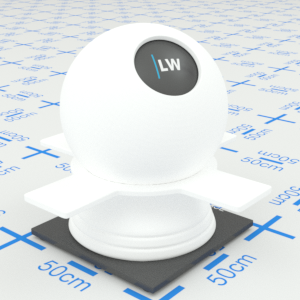


Click material thumbnail for larger view
Gives control over the contribution of the layer to the overall material appearance. A value of 1.0 will completely block any effect of any material layers below. A value of 0.0 will remove the layer's contribution to the overall material appearance.
Input: 0.0 – 1.0 or Map

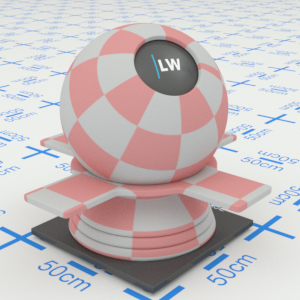

Click material thumbnail for larger view
Allows you to set a bump map to simulate surface detail and control the intensity and orientation of the effect.
Input: 0.0 –, or Map


Click material thumbnail for larger view
Click material thumbnail for larger view
Base

Surface
Last edited: