
Documentation
Documentation
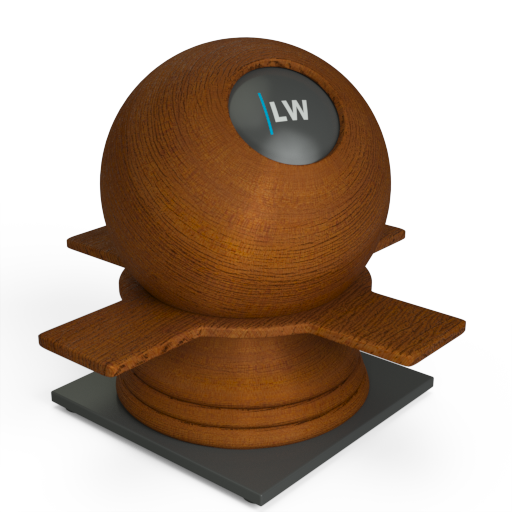
A component useful for representing fibrous wooden surfaces, using a combination of diffuse texturing, glossy highlights and bump mapping.
Two separate glossy highlights and bump maps can be applied. The first corresponds to the fibers within the grain of the wood. The second, corresponding to the surface of the material, can be used to simulate varnish. The fibers may have anisotropic highlights to accentuate the grain of the wood.
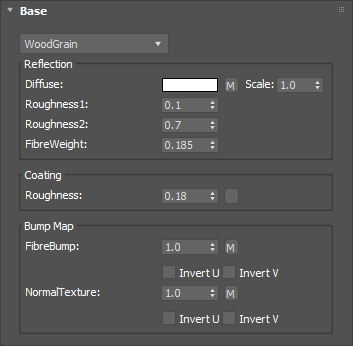
The basic color of the component. This can be a single color value or a texture map, ideally a wood-grain texture.
Input: Color or Map
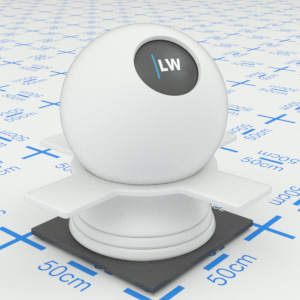
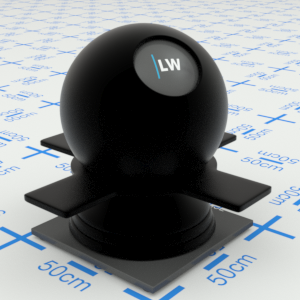
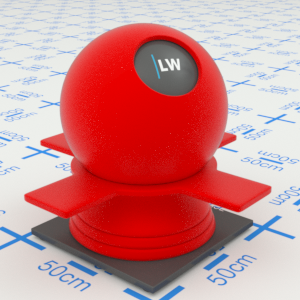
Click material thumbnail for larger view
Controls the width of glossy highlights from the wood fibers. Higher values will make reflections appear more blurred in one direction. Anisotropic highlights can be created by using differing values for Roughness1 and Roughness2.
Range: 0.0 – 1.0
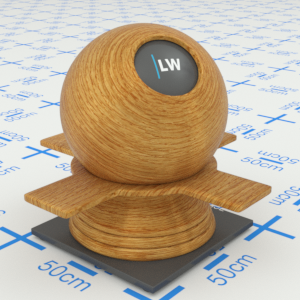
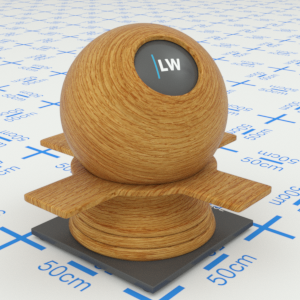
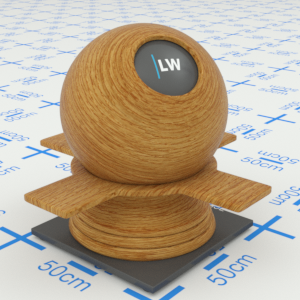
Click material thumbnail for larger view
Controls the height of glossy highlights from the wood fibers. Higher values will make reflections appear more blurred in one direction. Anisotropic highlights can be created by using differing values for Roughness1 and Roughness2.
Range: 0.0 – 1.0
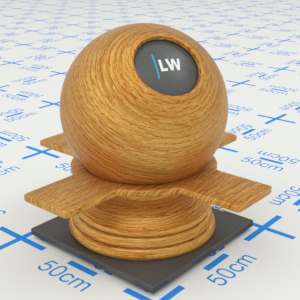
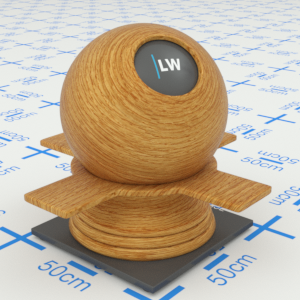
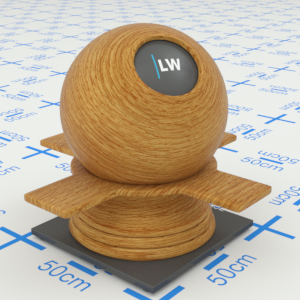
Click material thumbnail for larger view
Controls the strength of glossy highlights from the wood fibers. Higher values will result in stronger reflections.
Range: 0.0 – 1.0
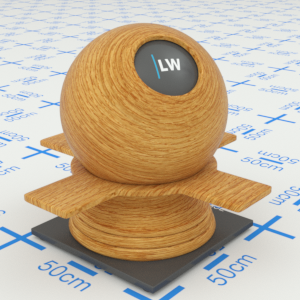
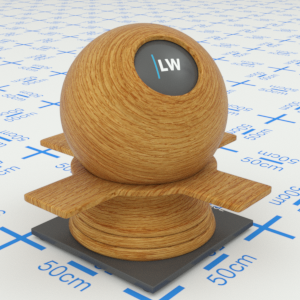
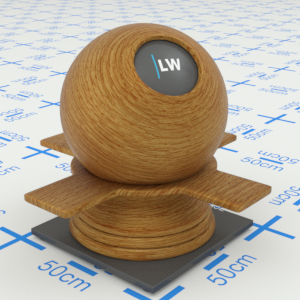
Click material thumbnail for larger view
Simulates the level of polish on the varnished surface of the wooden object. Higher values will result in more blurred reflections.
Range: 0.0 – 1.0
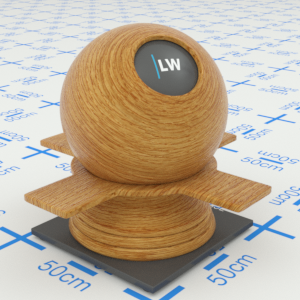
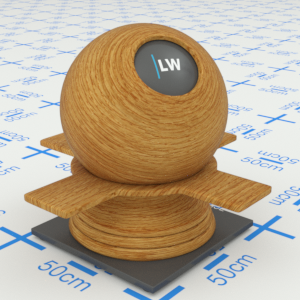
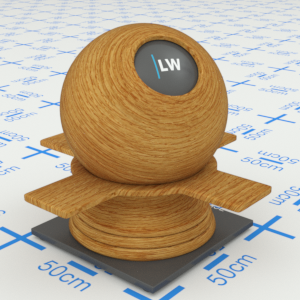
Click material thumbnail for larger view
A bump map or normal map representing the fibers within the wood-grain.
Input: 0.0 –, or Map
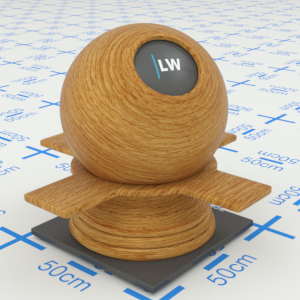
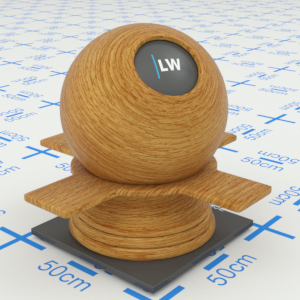
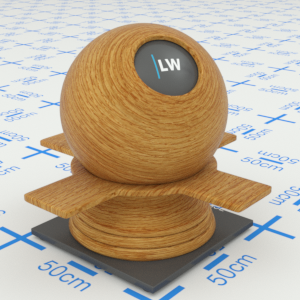
Click material thumbnail for larger view
A bump map or normal map representing the surface of the object.
Range: 0.0 –, or Map
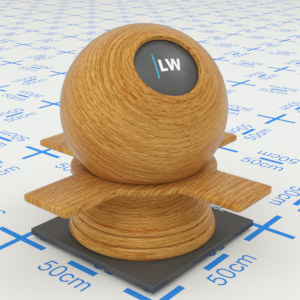
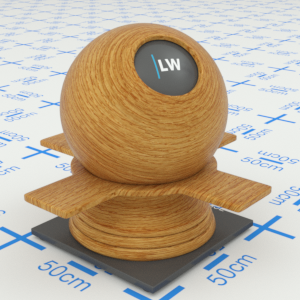
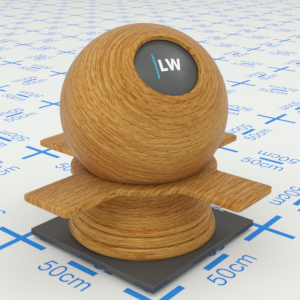
Click material thumbnail for larger view
Click material thumbnail for larger view
Base
Last edited: