
Documentation
Documentation
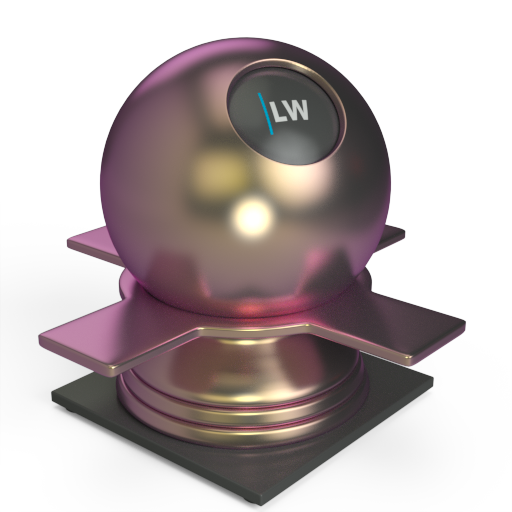
A Coating layer component useful for creating complex materials such as car paints, FlipFlop adds differently-colored glossy reflections depending on the angle from which the material is viewed.
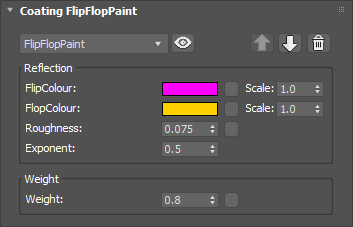
Determines the color tint of the reflections when the material is viewed at a grazing angle.
Input: Color or Map
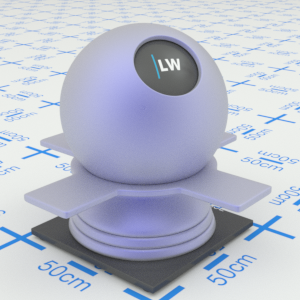
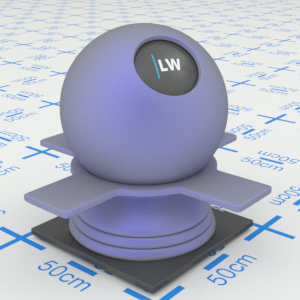
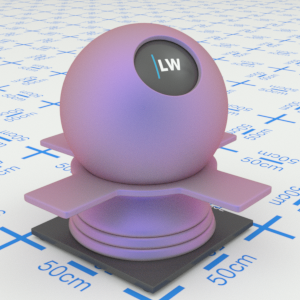
Click material thumbnail for larger view
Determines the color tint of the reflections when the material is viewed straight on.
Input: Color or Map
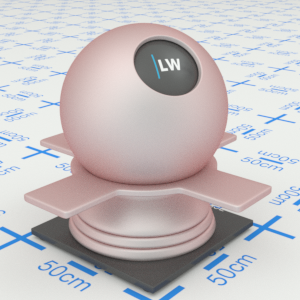
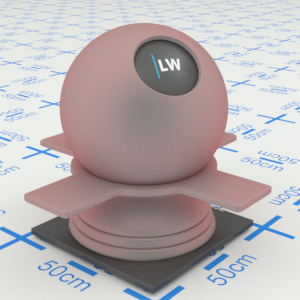
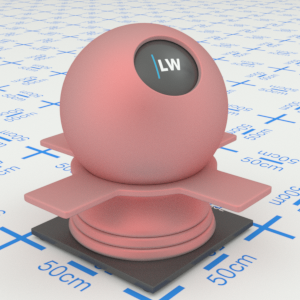
Click material thumbnail for larger view
Simulates the level of polish. Higher values will result in more blurred reflections.
Range: 0.0 – 1.0
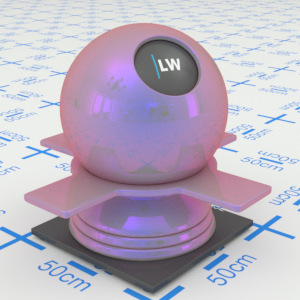
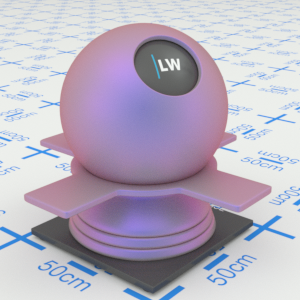
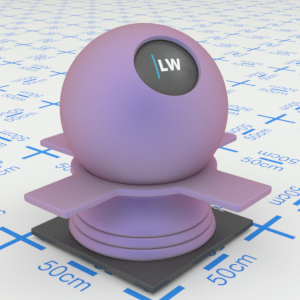
Click material thumbnail for larger view
Controls the relative weighting of the FlipColour and FlopColour parameters at intermediate angles. At low values, FlipColour dominates; at high values, FlopColour dominates.
Range: 0.0 – 1.0
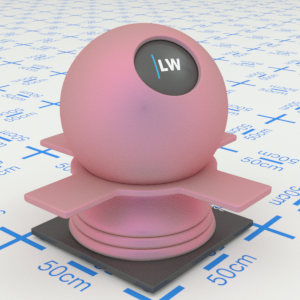
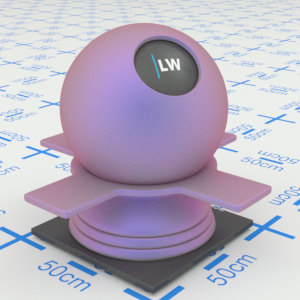
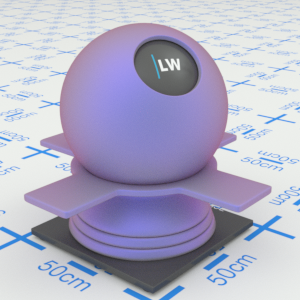
Click material thumbnail for larger view
Controls the weight of the layer. This layer is always partially transparent so you will still see underlying layers even when the Weight is set to 1.0
Range: 0.0 – 1.0
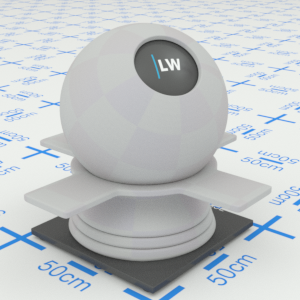
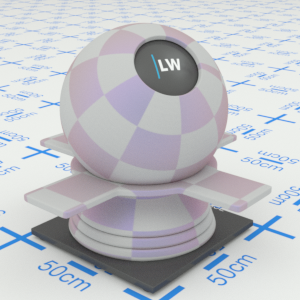
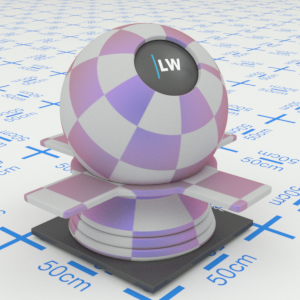
Click material thumbnail for larger view
Click material thumbnail for larger view
Coating
Last edited: