
Documentation
Documentation
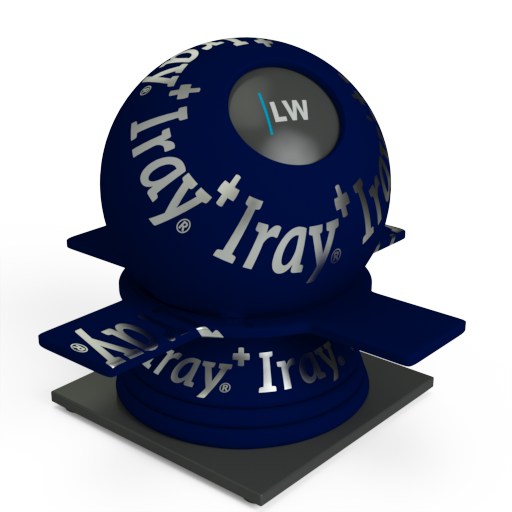
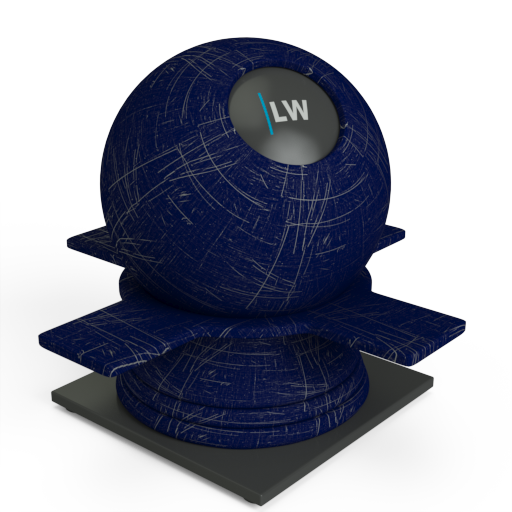
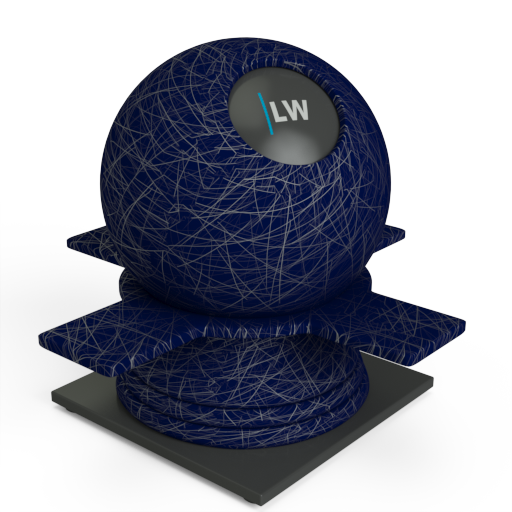
A component thats adds simple glossy reflections to an object, Gloss can be used to represent a layer of clearcoat paint or varnish on top of the base material. It is also useful for representing scratches and other imperfections in a surface layer.
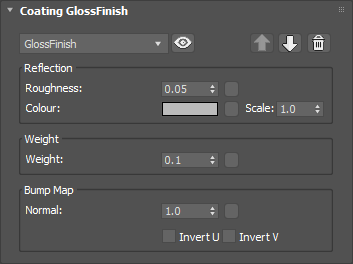
Simulates the level of polish. Higher values will result in more blurred reflections.
Input: 0.0 – 1.0 or Map
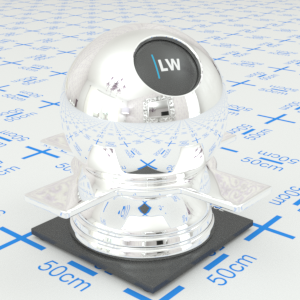
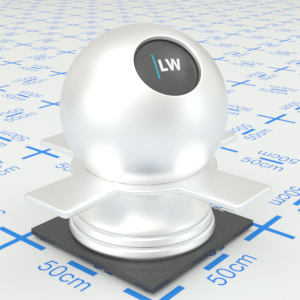
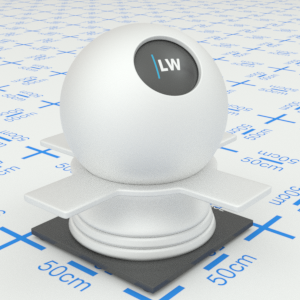
Click material thumbnail for larger view
Determines the color tint of the reflections. This can be a single color value or a texture map.
Input: Color or Map
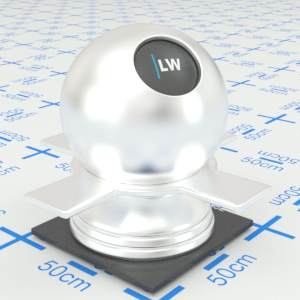
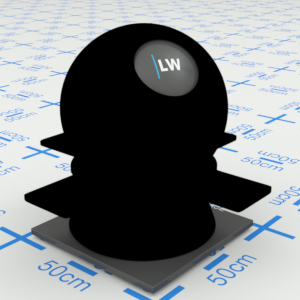
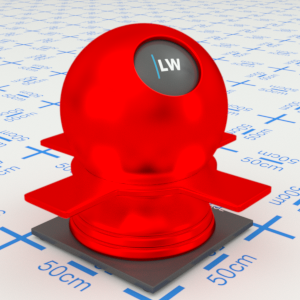
Click material thumbnail for larger view
Controls the weight of the layer. A weight of 1.0 will mean that the underlying material is not visible.
Input: 0.0 – 1.0 or Map
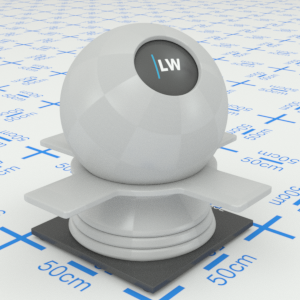
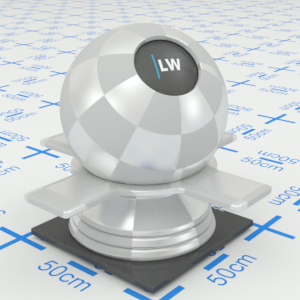
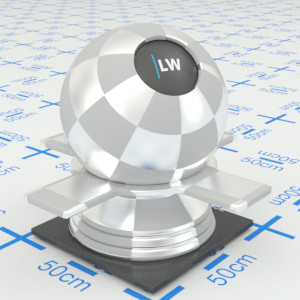
Click material thumbnail for larger view
Adds a bump map or normal map to the coating, with control over the strength.
Input: 0.0 –, or Map
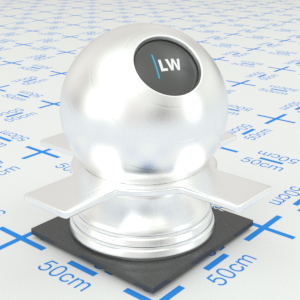
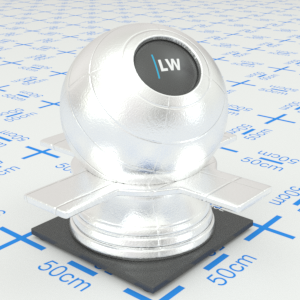
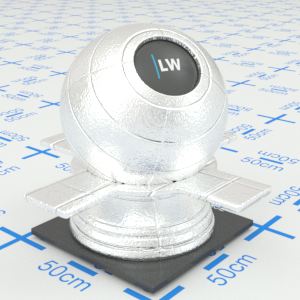
Click material thumbnail for larger view
Click material thumbnail for larger view
Decal
Coating

Surface
Last edited: