
Documentation
Documentation
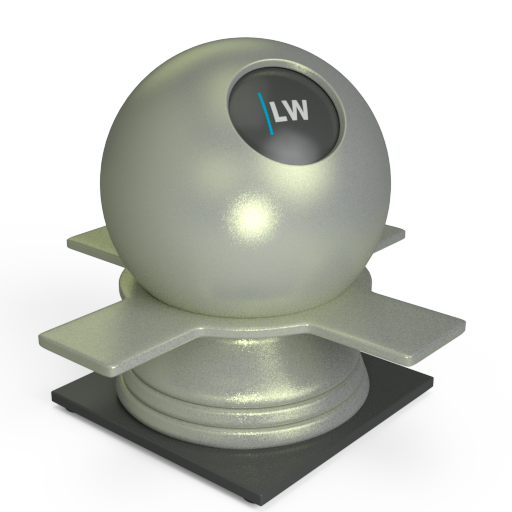
A Coating layer component that simulates metallic flakes and can be used in conjunction with other layers to create a variety of materials. Multiple layers of GlossFlakes can be used to create complex car paint or product packaging-type materials.
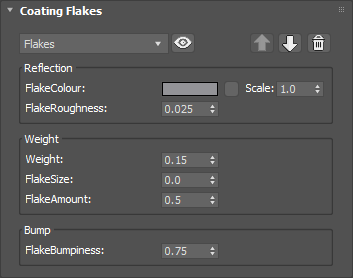
The color of the flakes. This can be a single color value or a texture map.
Input: Color or Map
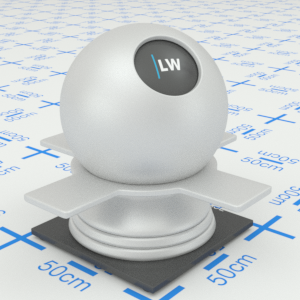
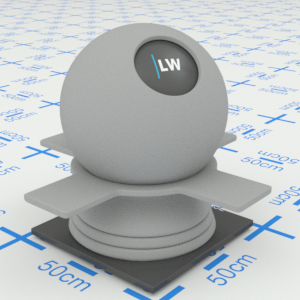
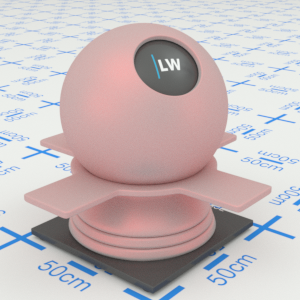
Click material thumbnail for larger view
Simulates the level of polish. Higher values will result in more blurred reflections.
Range: 0.0 – 1.0
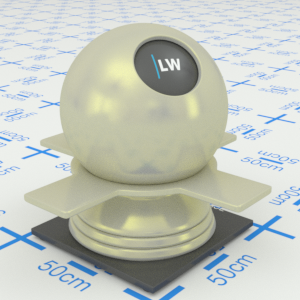
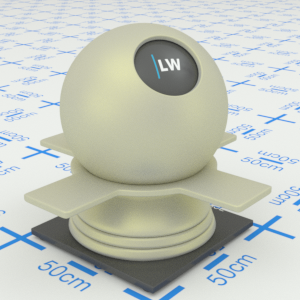
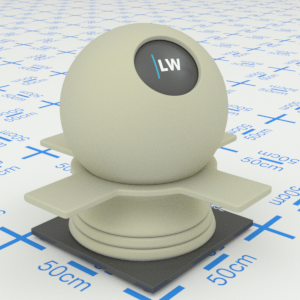
Click material thumbnail for larger view
Determines the maximum reflectivity of the flakes. This effectively controls the weight of the layer relative to the underlying material. If you are using multiple GlossFlakes layers, set this parameter to a value less than 1.0.
Range: 0.0 – ∞
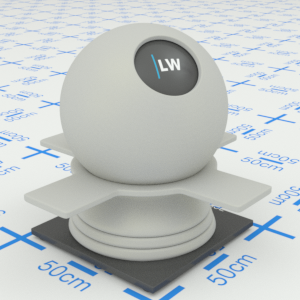
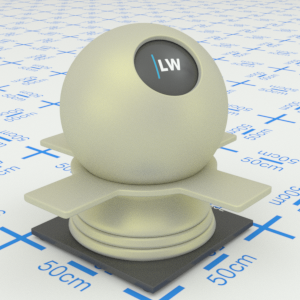
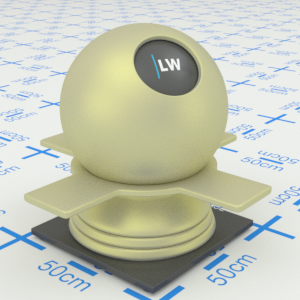
Click material thumbnail for larger view
Controls the size of the flakes. Higher values will result in larger flakes.
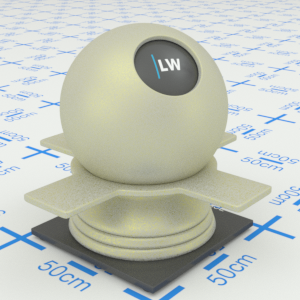
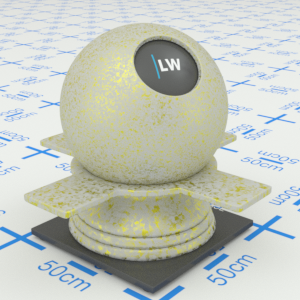
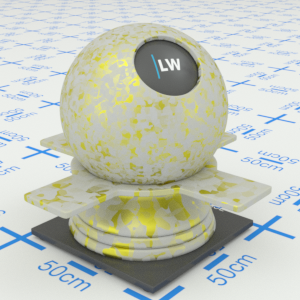
Click material thumbnail for larger view
Controls the density of the flakes. The higher the value, the less you will see the layers underneath.
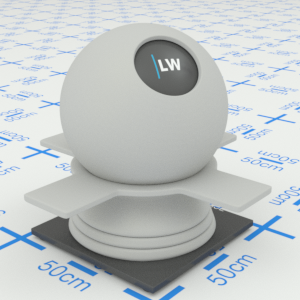
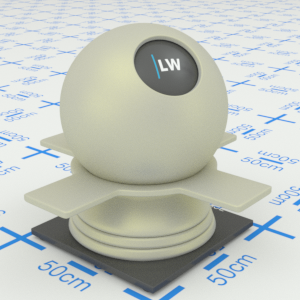
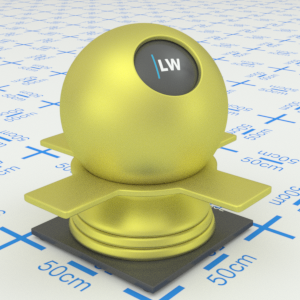
Click material thumbnail for larger view
Controls the strength of the bump map associated with the flake layer.
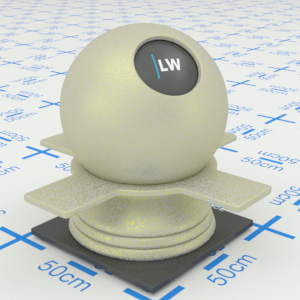
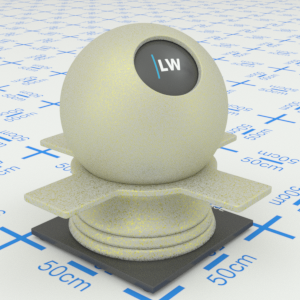
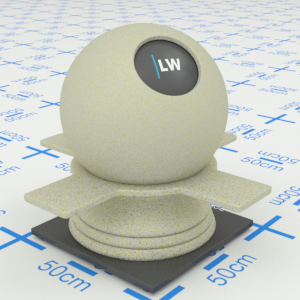
Click material thumbnail for larger view
Click material thumbnail for larger view
Coating

Last edited: