Documentation
Documentation
A Coating and Surface layer component that simulates the interference patterns seen when light is reflected from a very thin layer of transparent material. It can be used to represent the rainbow patterns seen in soap bubbles and oil on water.
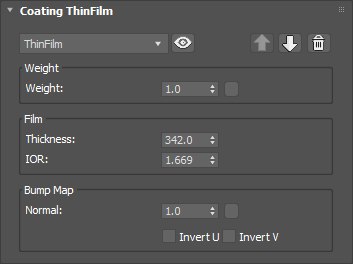
Controls the weight of the layer. Note that this layer is always mostly transparent. Setting a weight of 1.0 will maximise the strength of the interference pattern but will not block the underlying material from view.
Input: 0.0 – 1.0 or Map
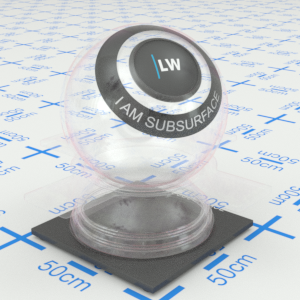
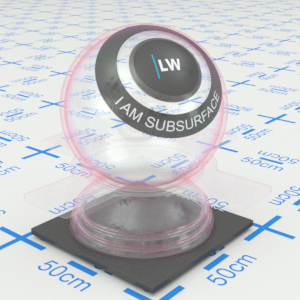
Click material thumbnail for larger view
The thickness of the film in nanometers (nm). In visual terms this parameter will determine the colors that you see and the number of 'rings' in the interference pattern. Higher thickness will result in more rings. Set a value in the range of 100 – 10,000nm in order to see the interference effects clearly.
Range: 10 – 10,000nm
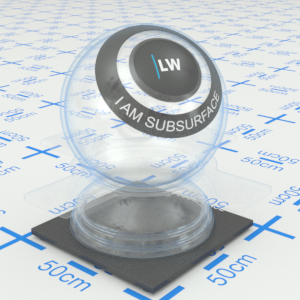
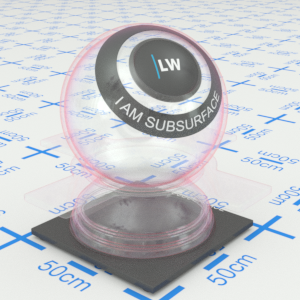
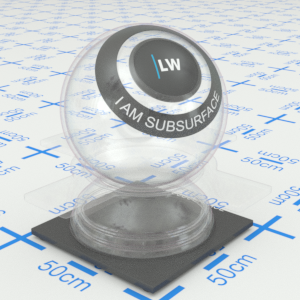
Click material thumbnail for larger view
Index of Refraction. This also affects the colors and number of rings in the interference pattern.
Range: 0.0 – 50.0
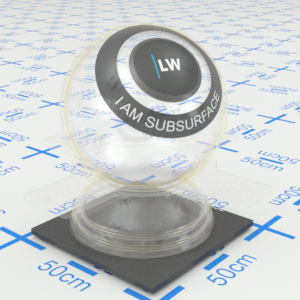
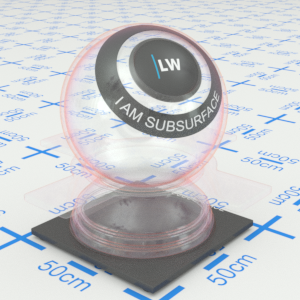
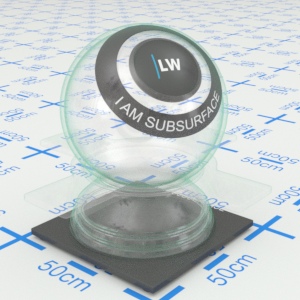
Click material thumbnail for larger view
Adds a bump map or normal map to the layer.
Input: 0.0 –, or Map
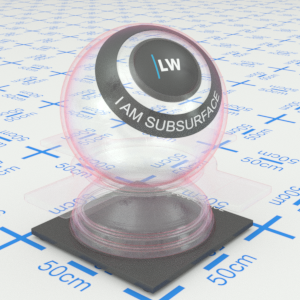
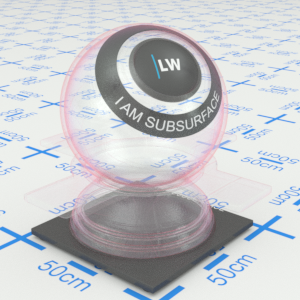
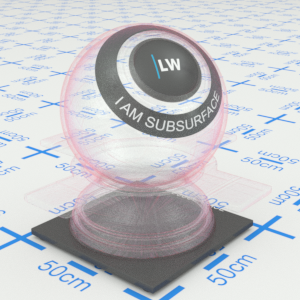
Click material thumbnail for larger view
Click material thumbnail for larger view
Coatings