
Documentation
Documentation
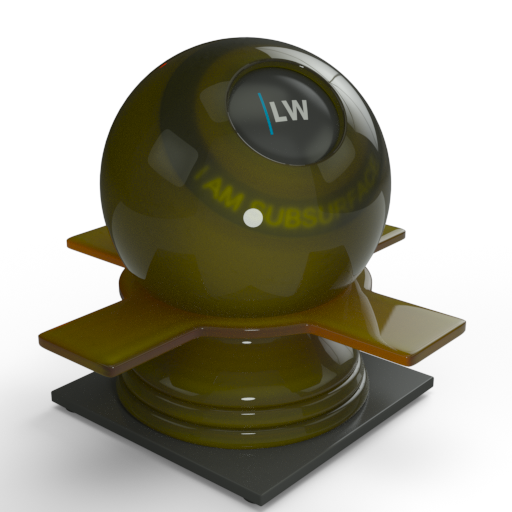
A component for representing materials such as shampoo and shower gel.
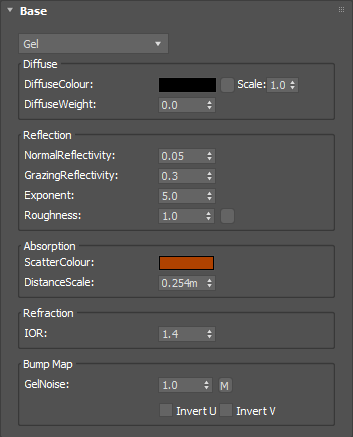
Defines the basic color of the component, controlled by the DiffuseWeight parameter (see below).
Input: Color or Map
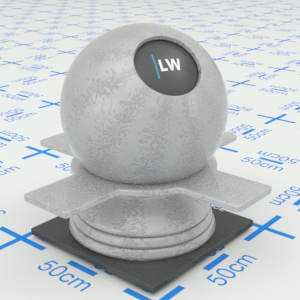


Click material thumbnail for larger view
Controls the balance between the DiffuseTexture surface texturing and the light transmitted through the interior of the material. Increasing the value will make the material appear more opaque.
Range: 0.0 – 1.0
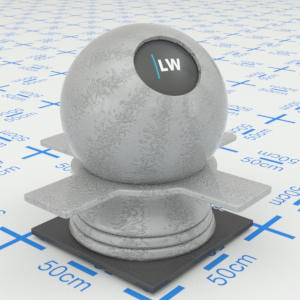
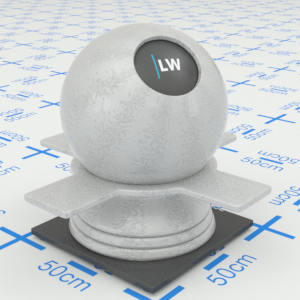
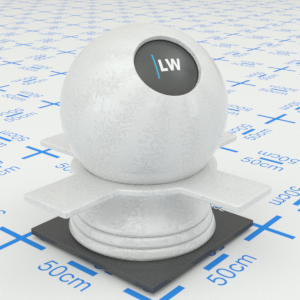
Click material thumbnail for larger view
Controls how strong the glossy highlights appear when looking straight on.
Range: 0.0 – 1.0


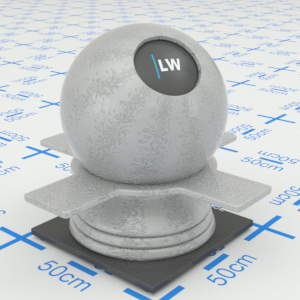
Click material thumbnail for larger view
Controls how strong the glossy highlights appear when looking at a very shallow angle.
Range: 0.0 – 1.0
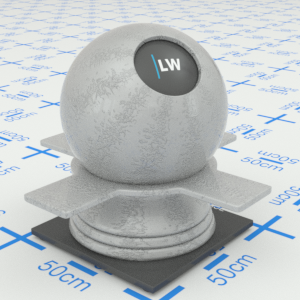
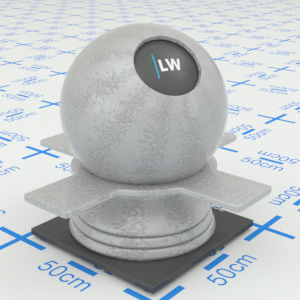
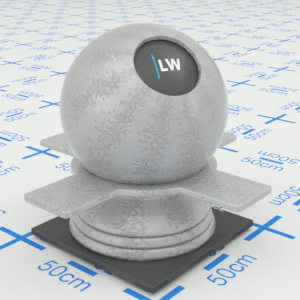
Click material thumbnail for larger view
Controls how quickly the strength of glossy highlights changes between the normal and grazing values as you move across the surface.
Range: 0.01 – 25.0
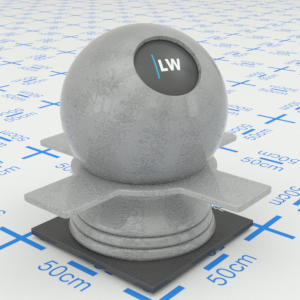
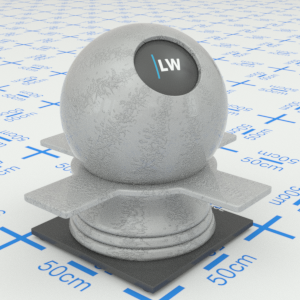
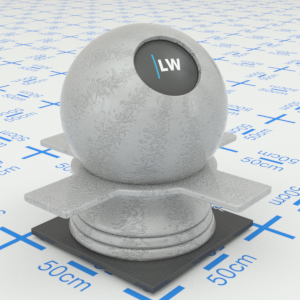
Click material thumbnail for larger view
Controls the size of glossy highlights. Higher values will result in more blurred reflections.
Input: 0.0 – 1.0 or Map
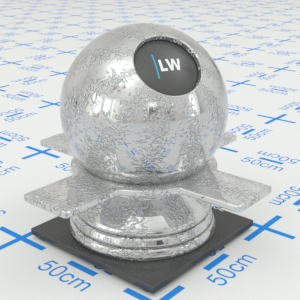
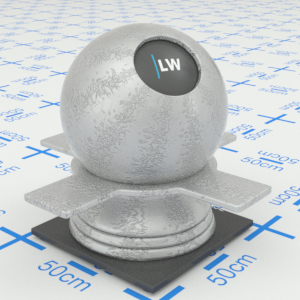
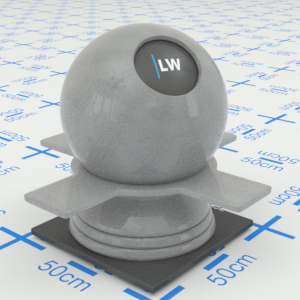
Click material thumbnail for larger view
Controls the color of the inside of the material. Light passing through the material will be absorbed gradually, based on this color. The thicker the object, the more light will be absorbed. A pure white color means there will be no absorption; a pure black color means all light is absorbed as soon as it enters the material. This must be a single color value, it cannot be a texture map or noise function.
Input: Color
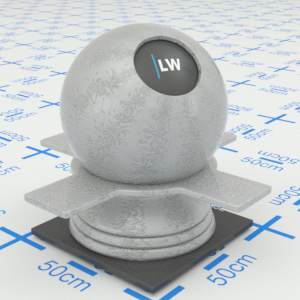
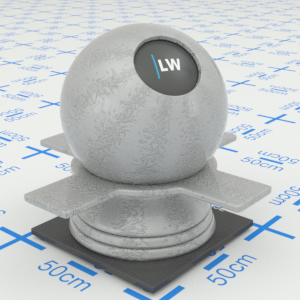
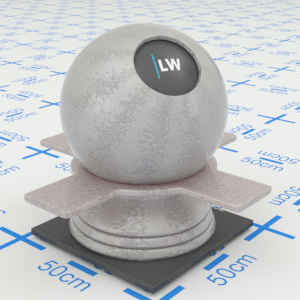
Click material thumbnail for larger view
This value, in meters, controls the overall strength of the subsurface scattering and absorption effects. Reducing this parameter will strengthen the effects. On average, light passing through the material will undergo scattering and absorption each time that it travels this distance through the material.
Range: 0.0 -
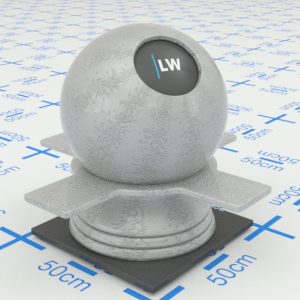
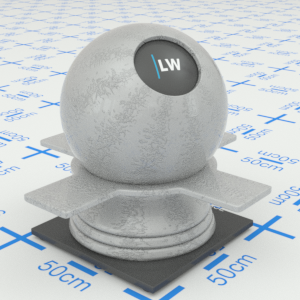
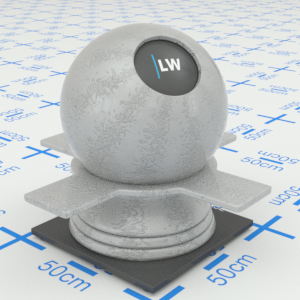
Click material thumbnail for larger view
Index of Refraction. Controls the amount of ideal (non-glossy) reflection on the surface of the material.
Range: 0.0 – 50.0
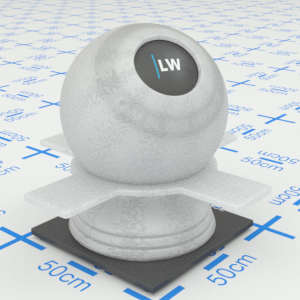
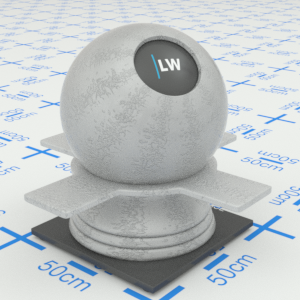
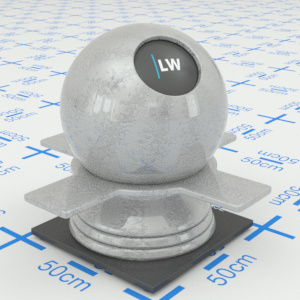
Click material thumbnail for larger view
Can be used to create gel effects such as bubbles and sheens within the subsurface.
Input: 0.0 – 1.0 or Map
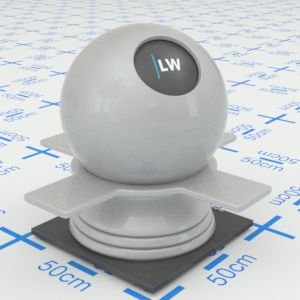
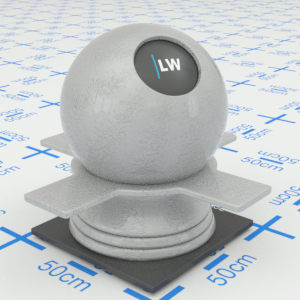
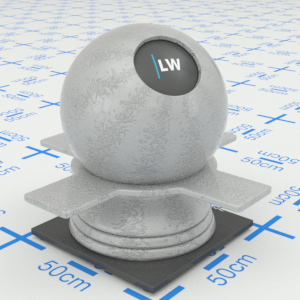
Click material thumbnail for larger view
Click material thumbnail for larger view
Base
Last edited: