
Documentation
Documentation
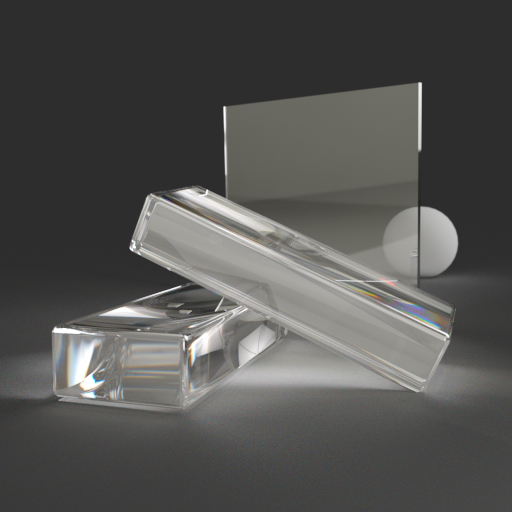
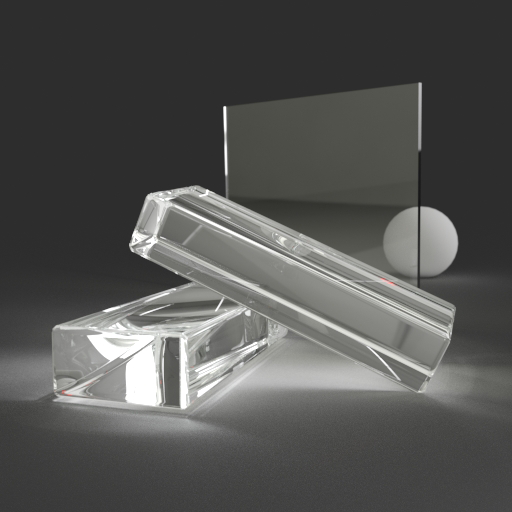
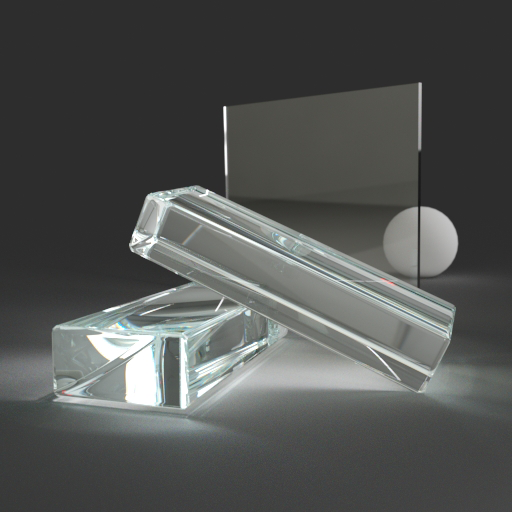
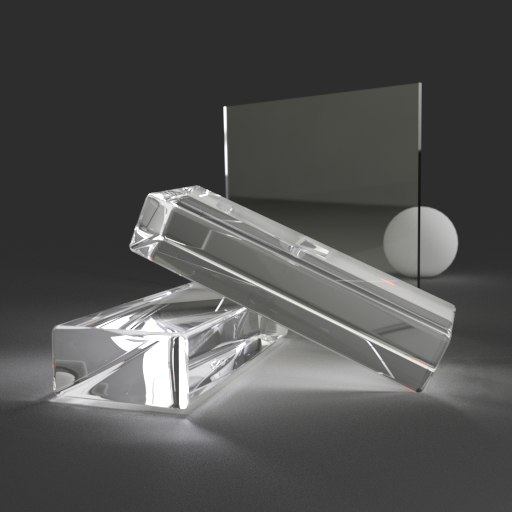
A component for representing transparent solid objects such as cut glass or gemstones. It produces ideal (non-glossy) mirror reflections. Light is refracted as it enters and leaves the material, spectral dispersion can also be simulated (i.e. splitting refracted white light into a spectrum of colors). Light can be absorbed within the body of the material to give a thickness-dependent color tint to the material. Subsurface scattering is supported to make the interior of the material appear cloudy, such as in an impure gemstone.
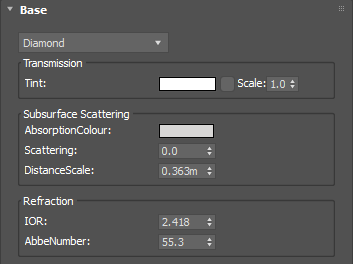
A color tint that will be applied to both reflections and transmitted light. This can be a single color value or a texture map.
Input: Color or Map
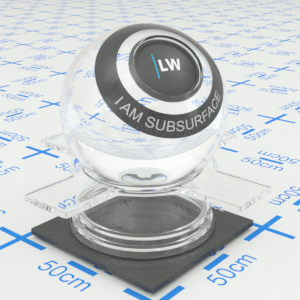
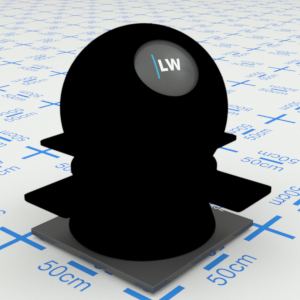
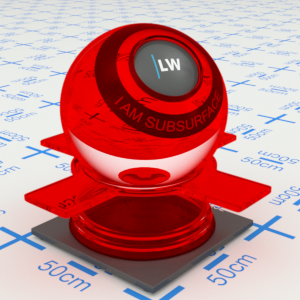
Click material thumbnail for larger view
Controls the color of the inside of the material. Light passing through the material will be absorbed gradually, based on this color. The thicker the object, the more light will be absorbed. A pure white color means there will be no absorption; a pure black color means all light is absorbed as soon as it enters the material. This must be a single color value, it cannot be a texture map or noise function.
Input: Color
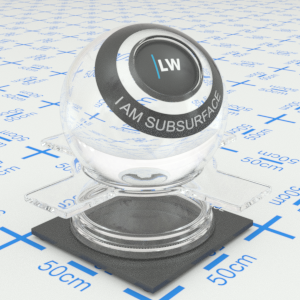
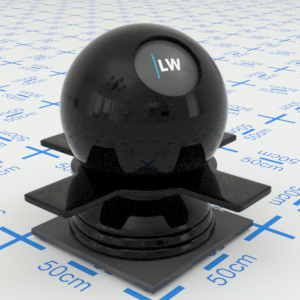
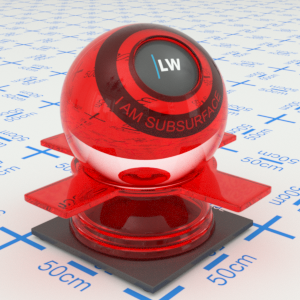
Click material thumbnail for larger view
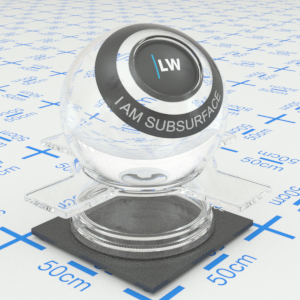
Allows the strength of the subsurface scattering effect to be changed without altering the strength of the absorption effect. Setting this parameter to 0.0 means there will be no subsurface scattering; setting it to 1.0 gives the strongest subsurface scattering effect (for a given DistanceScale).
Range: 0.0 – 1.0
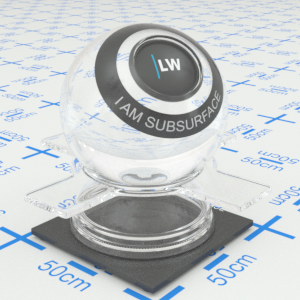
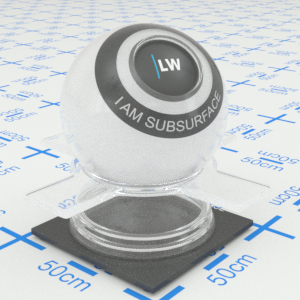
Click material thumbnail for larger view
This value, in meters, controls the overall strength of the subsurface scattering and absorption effects. Reducing this parameter will strengthen the effects. On average, light passing through the material will undergo scattering and absorption each time that it travels this distance through the material. Note that the useful range for the distance scale parameter is between one tenth and ten times the size of the object to which the material is applied. Setting a value outside of this range will make little or no difference to the material's appearance.
Range: 0.0 – ∞
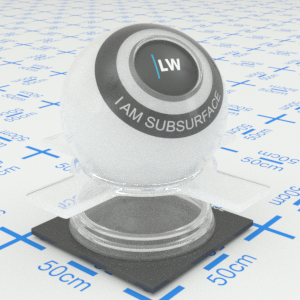
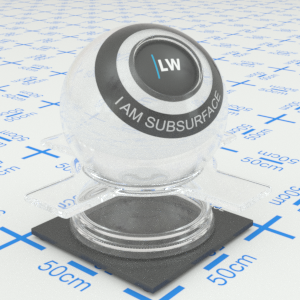
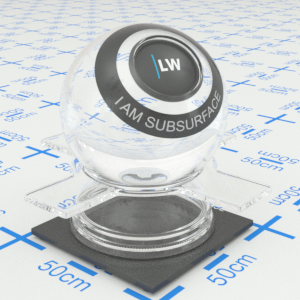
Click material thumbnail for larger view
Index of Refraction.
Range: 0.0 – 50.0
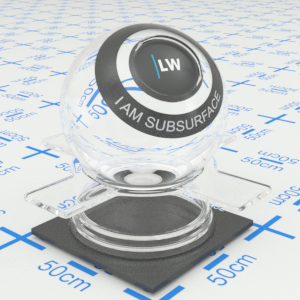
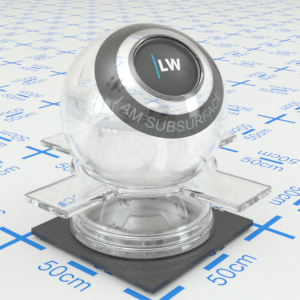
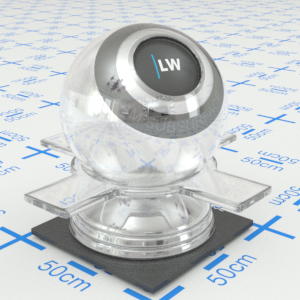
Click material thumbnail for larger view
Controls the spectral dispersion effect. A non-zero value will enable dispersion, with the strength of the dispersion effect depending on the Abbe number in a physically realistic manner. A low value will result in strong dispersion; a high value will result in weak dispersion. Types of glass are often classified according to their Abbe number, with typical values ranging between 20 and 85.
Range: 0.0 – ∞
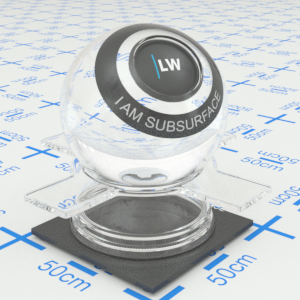
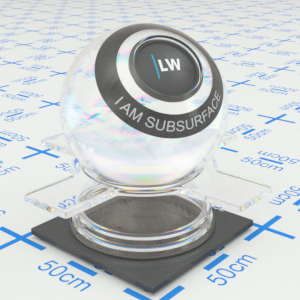
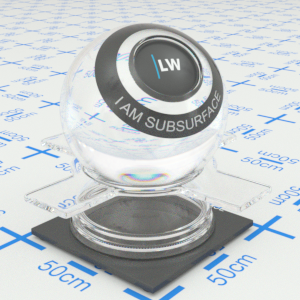
Click material thumbnail for larger view
Click material thumbnail for larger view
Base
Last edited: