
Documentation
Documentation
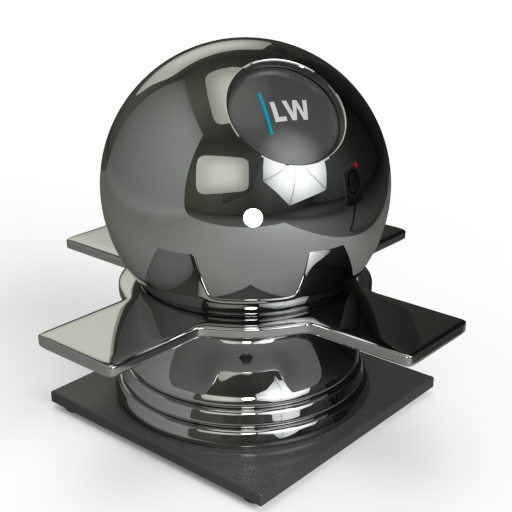
A simple component for representing ideal (non-glossy) mirror reflection, with an optional color tint.
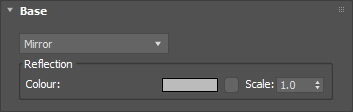
The basic color of the component. This can be a single color value or a texture map.
Input: Color or Map
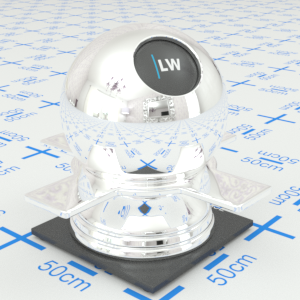
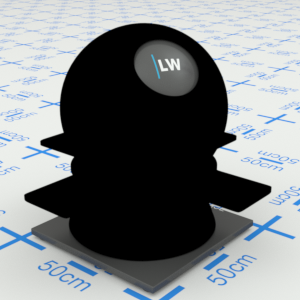
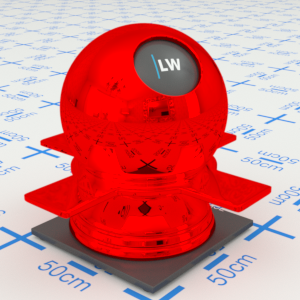
Click material thumbnail for larger view
Gives control over the contribution of the layer to the overall material appearance. A value of 1.0 will completely block any effect of any material layers below. A value of 0.0 will remove the layer's contribution to the overall material appearance.
Input: 0.0 – 1.0 or Map
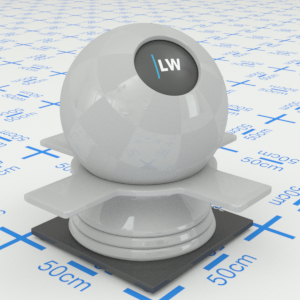
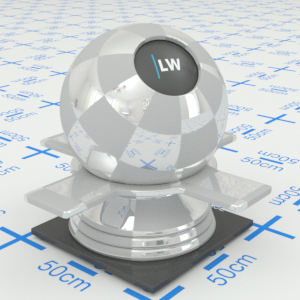
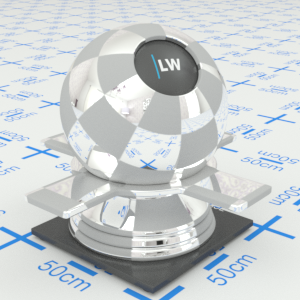
Click material thumbnail for larger view
Allows you to set a bump map to simulate surface detail and control the intensity and orientation of the effect.
Input: 0.0 –, or Map
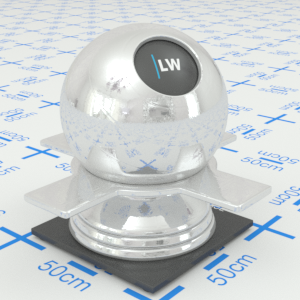
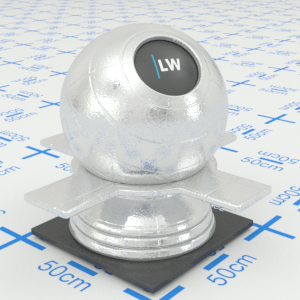
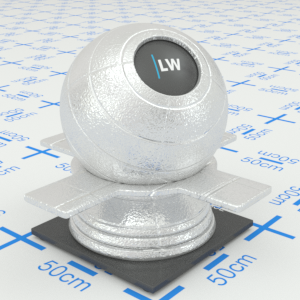
Click material thumbnail for larger view
Click material thumbnail for larger view
Base
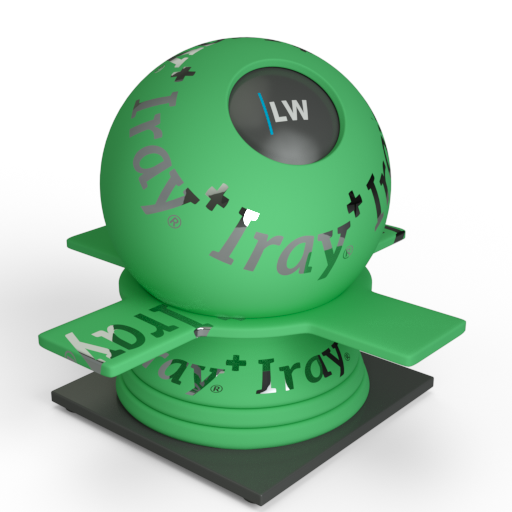
Decal
Last edited: