
Documentation
Documentation
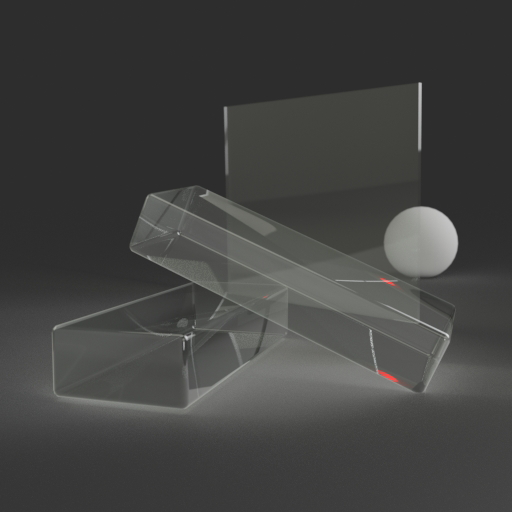
A specialized component designed for representing glass-type materials in a simplified way. It is meant to be used on flat objects (for example, panes of window glass) where refraction effects are not important. It gives an ideal (non-glossy) mirror reflection and shows light transmitted from behind. The transmitted light is not refracted. The strength of the mirror reflection is controlled by the index of refraction (IOR); the higher the IOR, the stronger the reflection becomes, and the less light is transmitted from behind.
Unlike other transparent/translucent components, ThinwallTransparent can be applied safely to objects modelled as 2D planes with no thickness.
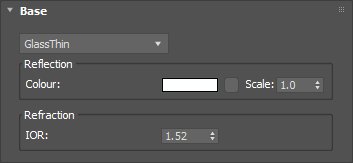
A color tint that will be applied to both reflections and transmitted light. This can be a single color value or a texture map.
Input: Color or Map
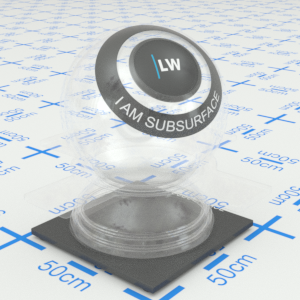
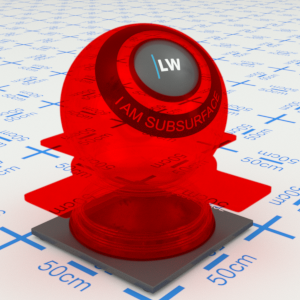
Click material thumbnail for larger view
The index of refraction. This controls the strength of reflections from the surface of the material.
Range: 0.0 – 50.0
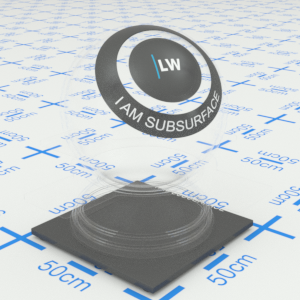
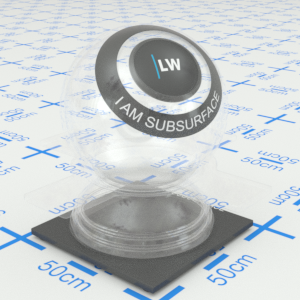
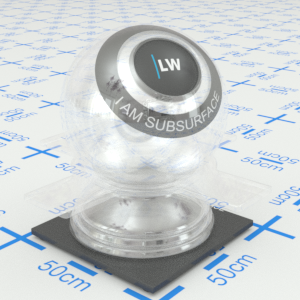
Click material thumbnail for larger view
Click material thumbnail for larger view
Base
Last edited: