
Documentation
Documentation
A component for representing the reflectance properties of non-metals such as plastics, ceramics and glass. It is similar to the Dielectric component, but supports the creation of advanced glossy reflections that have two 'lobes' or highlights of differing size.
This component follows Fresnel's Law where the amount of reflectance varies based on the angle of view. For example, viewing a carbon fiber type object at very shallow angles results in almost complete reflectance whereas looking straight on, the object exhibits less reflectance. This Fresnel falloff can be defined explicitly by setting reflectance values for 0˚ (when looking at the middle of a spherical object) and 90˚ (when looking at a spherical object's edge). You can define how quickly the falloff varies between 0˚ and 90˚ via an exponent parameter. The Fresnel effect can also be controlled by specifying the Index of Refraction, which effectively defines the above values for you.
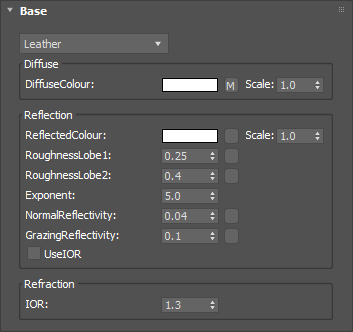
Defines the basic color of the component. This can be a single color value or a texture map.
Input: Color or Map
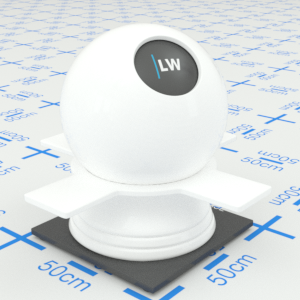
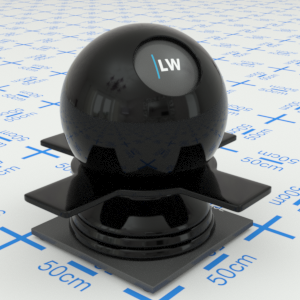
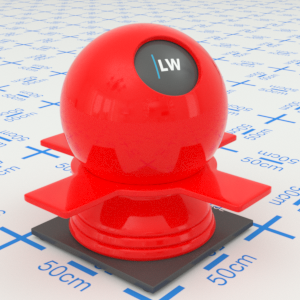
Click material thumbnail for larger view
Can be used to control the color of reflections or, using grayscale, the amount of reflections.
Input: Color or Map
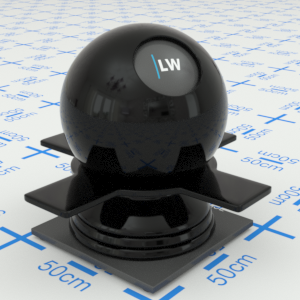
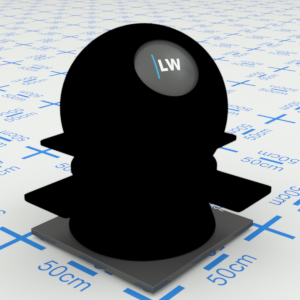
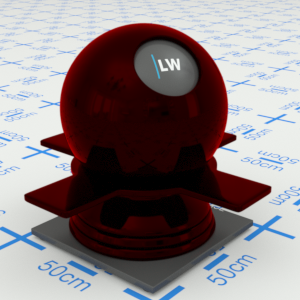
Click material thumbnail for larger view
Controls the size of glossy highlights for the primary lobe. Higher values will result in more blurred reflections.
Input: 0.0 – 1.0 or Map
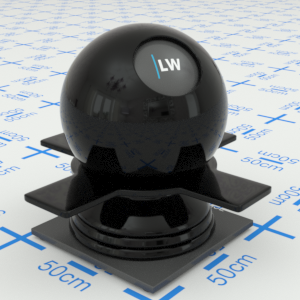
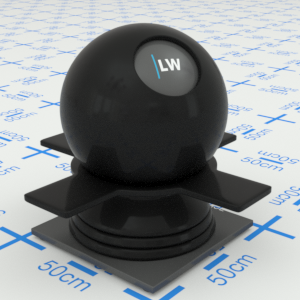
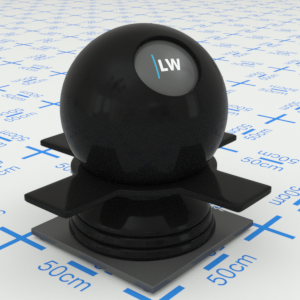
Click material thumbnail for larger view
Controls the size of glossy highlights for the secondary lobe. Higher values will result in more blurred reflections.
Input: 0.0 – 1.0 or Map
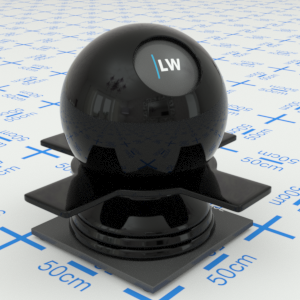
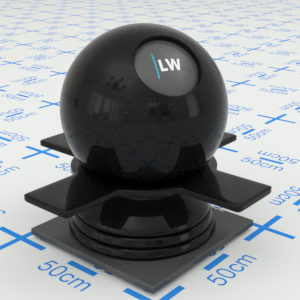
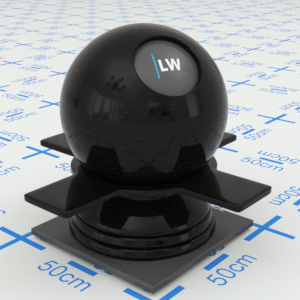
Click material thumbnail for larger view
Controls how quickly the shininess changes between the NormalReflectivity and GrazingReflectivity values (see below) as you move across the surface.
Range: 0.01 – 25.0
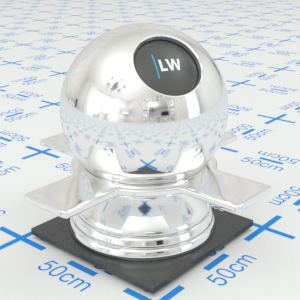

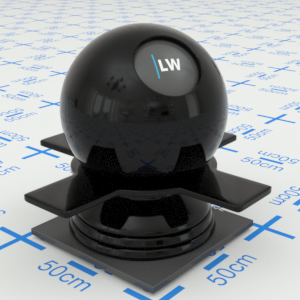
Click material thumbnail for larger view
Controls how shiny the object appears when viewed straight on. Materials of this type typically display little reflectance at 0˚ to the camera.
Input: 0.0 – 1.0 or Map
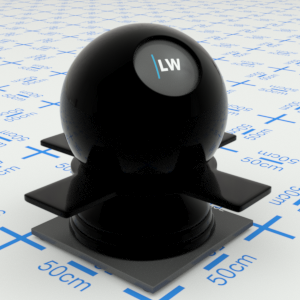
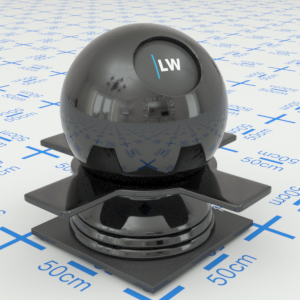
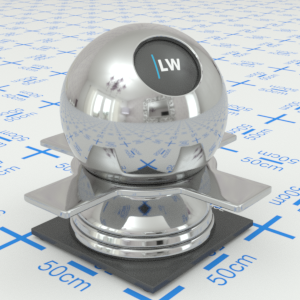
Click material thumbnail for larger view
Controls how shiny the object appears when viewed at a very shallow angle. Materials of this type typically display higher reflectance at 90˚ to the camera.
Input: 0.0 – 1.0 or Map
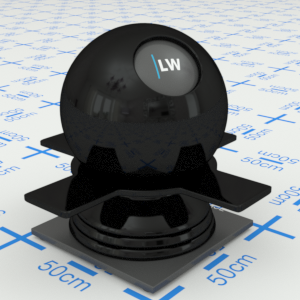
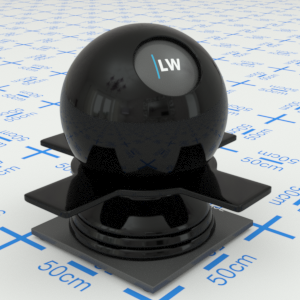
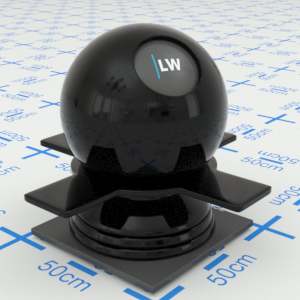
Click material thumbnail for larger view
Ignores the Exponent, NormalReflectivity, and GrazingReflectivity settings, and instead uses the IOR parameter (see below) to define the falloff curve.
Input: On/Off Checkbox
Index of Refraction. Controls the amount of reflection and shape of the falloff curve. UseIOR must be ticked.
Range: 0.0 – 50.0
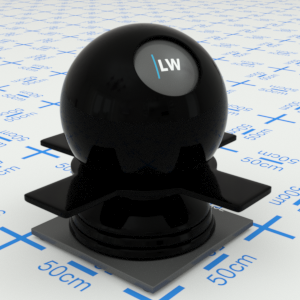

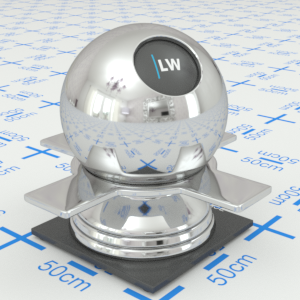
Click material thumbnail for larger view
Click material thumbnail for larger view
Base

Last edited: