
Documentation
Documentation
A component for representing fabric-type materials. Such materials are made up of threads or fibers running in two different directions, known as 'warp' and 'weft', which can each produce anisotropic glossy reflections. By increasing the degree of transmission, it is possible to simulate thin, partially-translucent fabrics.
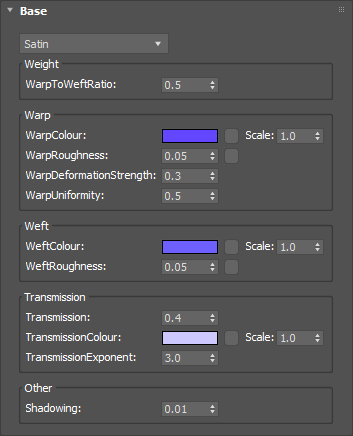
Controls the relative strength of reflections from the warp versus the weft.
Range: 0.0 – ∞
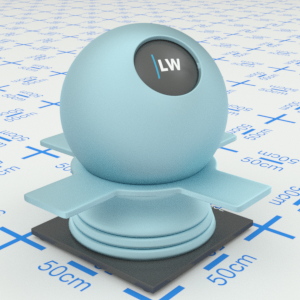
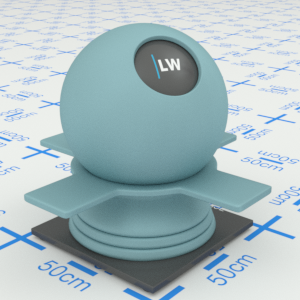
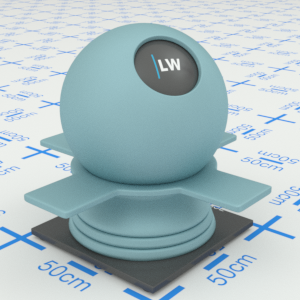
Click material thumbnail for larger view
Controls the color of the warp threads in the material. This can be a single color or a map.
Input: Color or Map
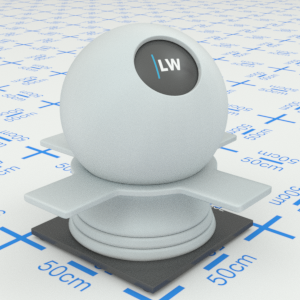
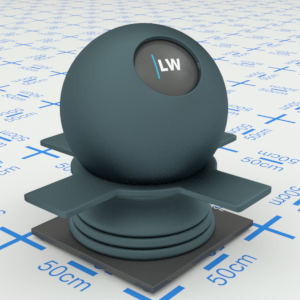
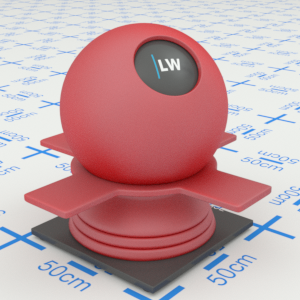
Click material thumbnail for larger view
Controls the size of glossy highlights from the warp. Higher values will result in more blurred reflections.
Input: 0.0 – 1.0 or Map
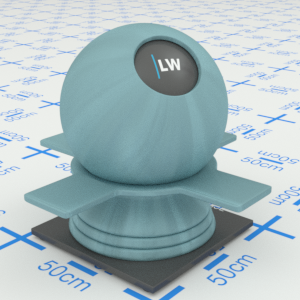
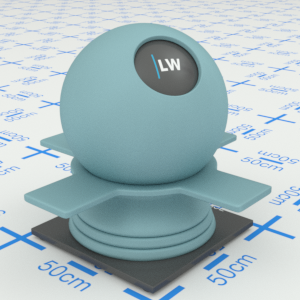
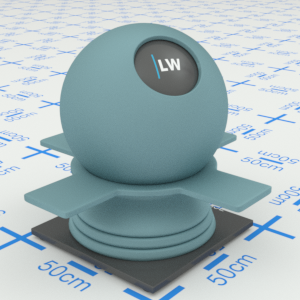
Click material thumbnail for larger view
Controls the spacing between the anisotropic highlights from the warp.
Range: 0.0 – ∞
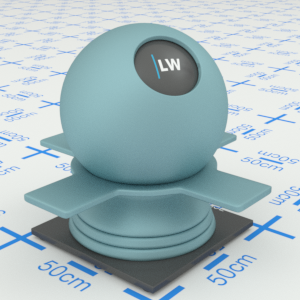
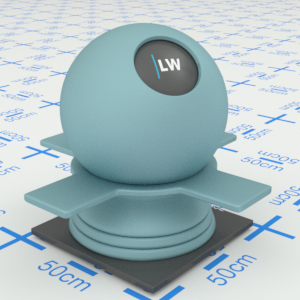
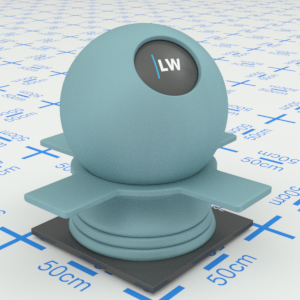
Click material thumbnail for larger view
Controls the relative strength of the inner and outer anisotropic highlights from the warp.
Range: 0.0 – 1.0
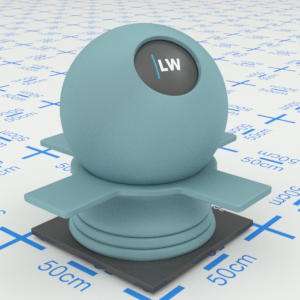
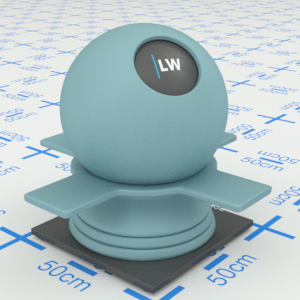
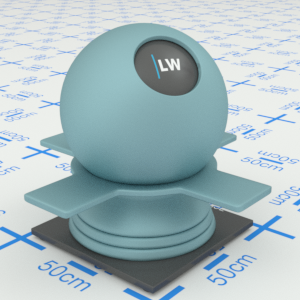
Click material thumbnail for larger view
Controls the color of the weft threads in the material. This can be a single color or a map.
Input: Color or Map
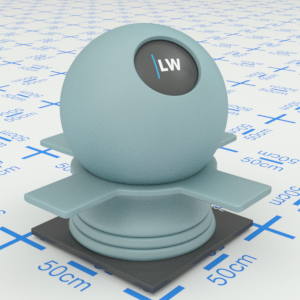
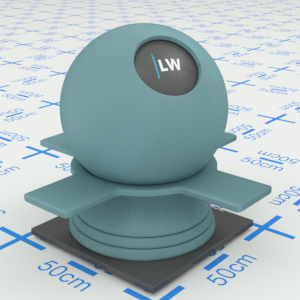
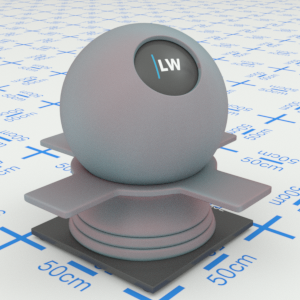
Click material thumbnail for larger view
Controls the size of glossy highlights from the weft. Higher values will result in more blurred reflections.
Input: 0.0 – 1.0 or Map
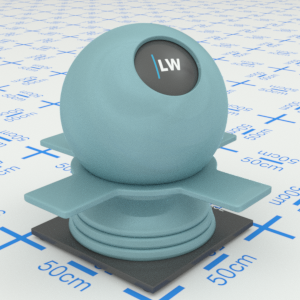
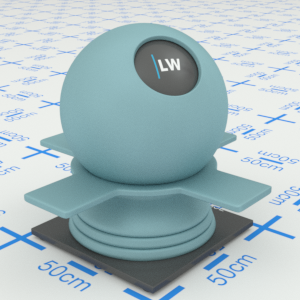
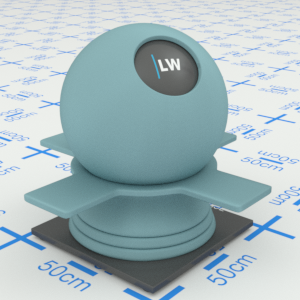
Click material thumbnail for larger view
Controls the maximum amount of light that passes through the material.
Range: 0.0 – 1.0
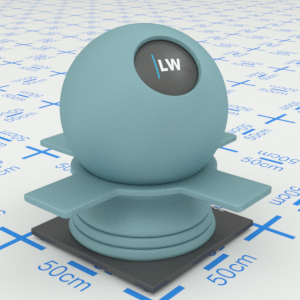
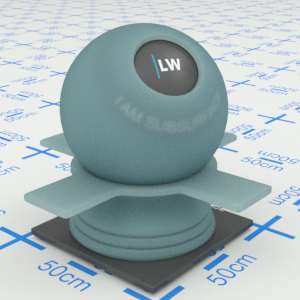
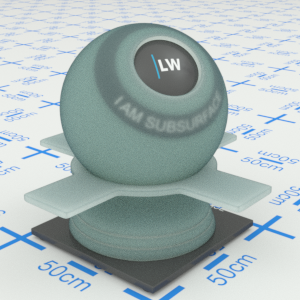
Click material thumbnail for larger view
Controls the color of the transmitted light.
Input: Color or Map
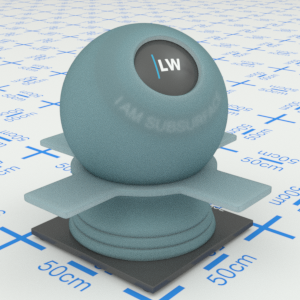
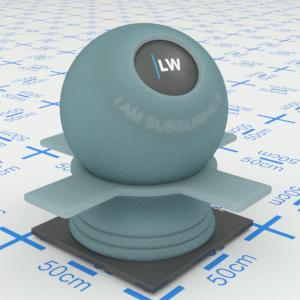
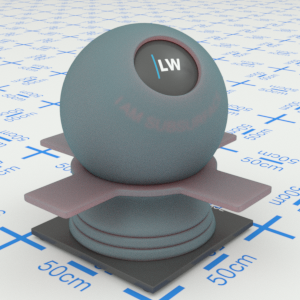
Click material thumbnail for larger view
Controls how quickly the transmission of the material changes as you move across the surface. The maximum amount of light is transmitted when the material is viewed straight on. The transmission falls to zero when the material is viewed from a very shallow angle.
Range: 0.01 – 25.0
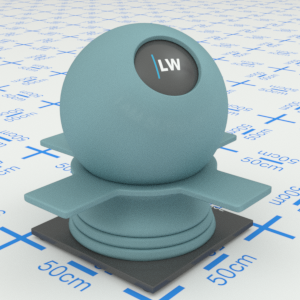
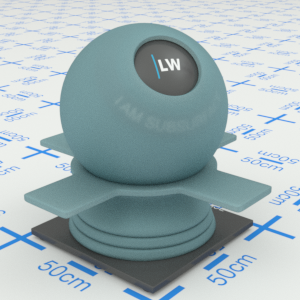
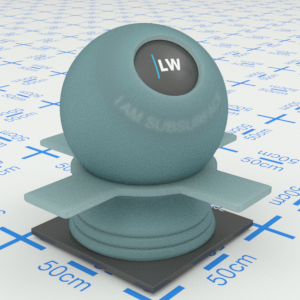
Click material thumbnail for larger view
Increasing this parameter will make the material appear darker when it is viewed from shallow angles.
Range: 0.0 – 1.0
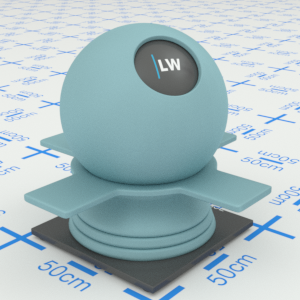
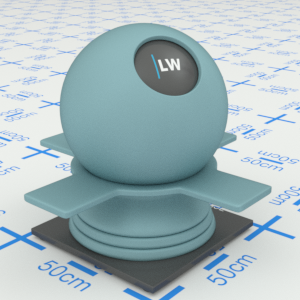
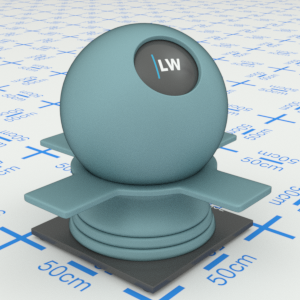
Click material thumbnail for larger view
Click material thumbnail for larger view
Base
Last edited: