
Documentation
Documentation
A full-featured subsurface scattering component. (See DiffuseSSS for a simplified version.) This component produces a realistic subsurface scattering effect; however, this comes at the expense of rendering speed. All light in your scene will penetrate the object and you will be able to see objects through the material and behind it.
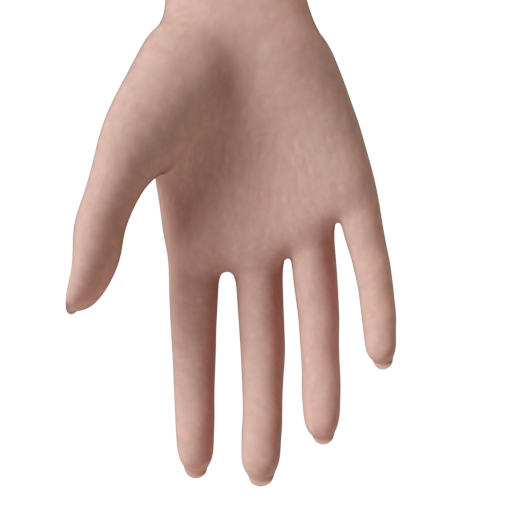
This component is useful for representing translucent, organic materials such as skin.

The basic color of the component, controlled by the DiffuseWeight parameter (see below). This can be a single color value or a texture map.
Input: Color or Map
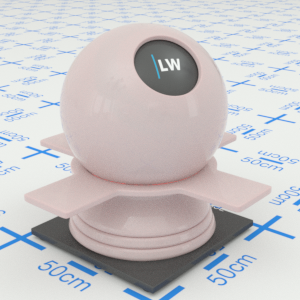
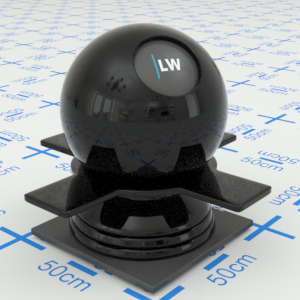
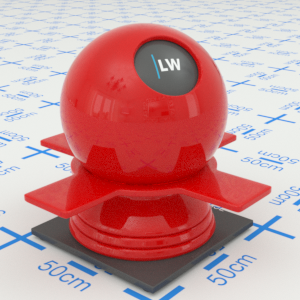
Click material thumbnail for larger view
Controls the balance between the DiffuseTexture surface texturing and the more complex subsurface scattering effect. Increasing the value will reduce the contribution of subsurface scattering.
Range: 0.0 – 1.0
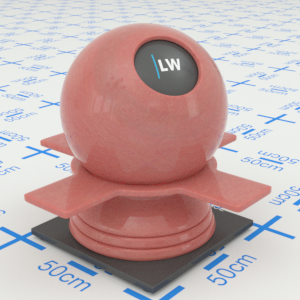
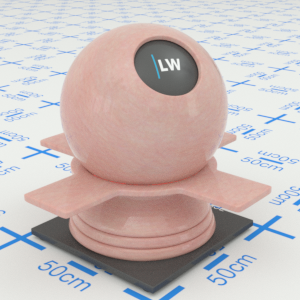
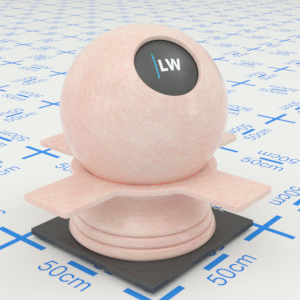
Click material thumbnail for larger view
Controls the color of the inside of the material. Light passing through the material will be absorbed gradually, based on this color. The thicker the object, the more light will be absorbed. A pure white color means there will be no absorption; a pure black color means all light is absorbed as soon as it enters the material. This must be a single color value, it cannot be a texture map or noise function.
Input: Color
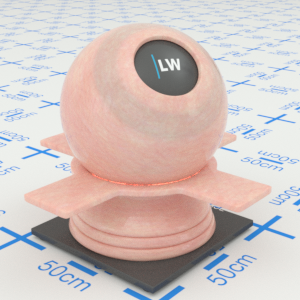
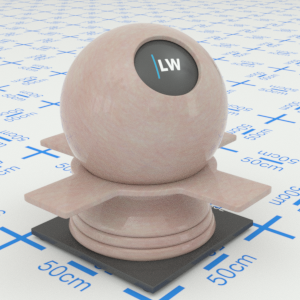
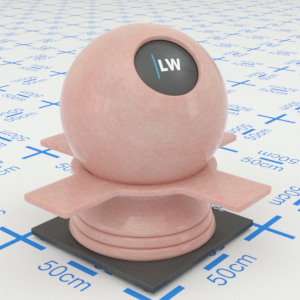
Click material thumbnail for larger view
This value, in meters, controls the overall strength of the subsurface scattering effect. Reducing this parameter will strengthen the effect. On average, light passing through the material will undergo scattering each time that it travels this distance through the material. Note that the useful range for this parameter is between one-tenth and ten times the size of the object the material is applied to. Setting a value outside of this range will make little or no difference to the material's appearance.
Range: 0.0 – ∞
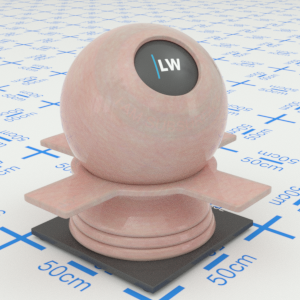
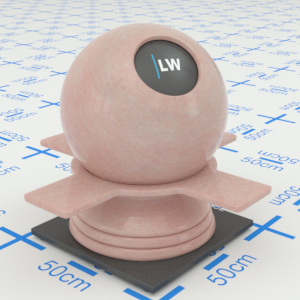
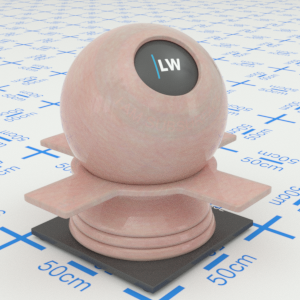
Click material thumbnail for larger view
This value, in meters, controls the overall strength of the subsurface absorption effect. Reducing this parameter will strengthen the effect. On average, light passing through the material will be attenuated by the SubsurfaceColour each time that it travels this distance through the material.
Range: 0.0 – ∞
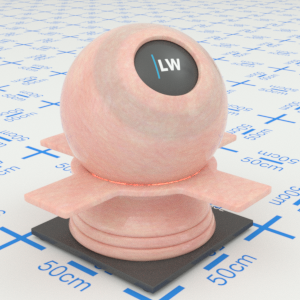
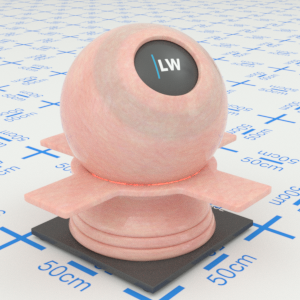
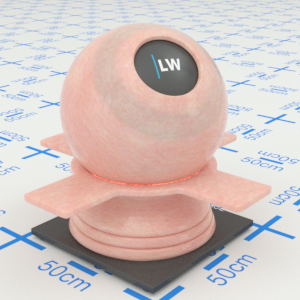
Click material thumbnail for larger view
Controls the strength of glossy highlights on the surface of the material. Higher values will make the reflections appear stronger.
Range: 0.0 – 1.0


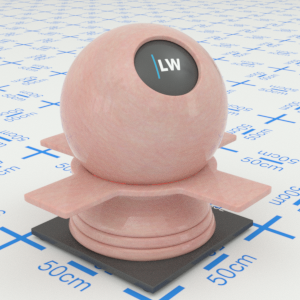
Click material thumbnail for larger view
Controls the size of glossy highlights on the surface of the material. Higher values will make reflections appear more blurred.
Input: 0.0 – 1.0 or Map
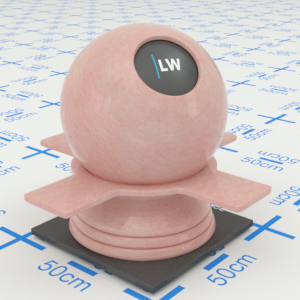
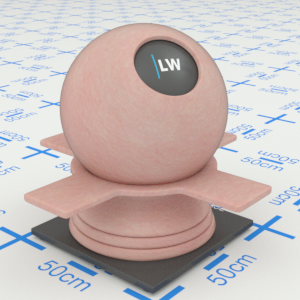
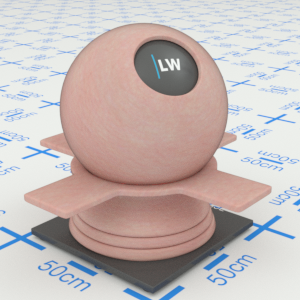
Click material thumbnail for larger view
Index of Refraction.
Range: 0.0 – 50.0


Click material thumbnail for larger view
Click material thumbnail for larger view
Base
Last edited: