
Documentation
Documentation
The Iray+ Flake Noise map simulates speckles on the surface of a texture. This has many applications including car paints, glitter and metallic flakes.
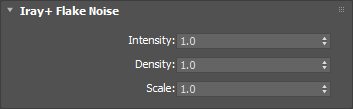
Determines the maximum reflectivity of any flake. This will have no effect if attached to a Normal/Bump parameter.
Range: 0 – ∞
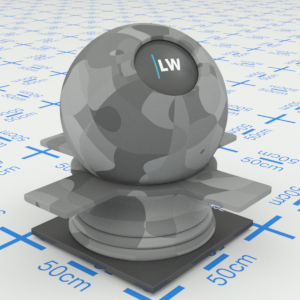
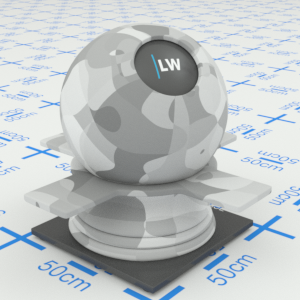
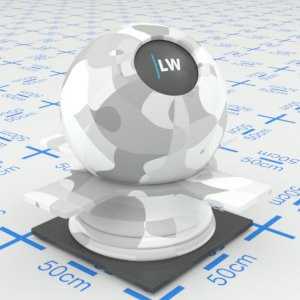
Click material thumbnail for larger view
Controls the amount of flakes. The space between flakes will increase at higher values. This will have no effect if attached to a Normal/Bump parameter.
Range: 0 – ∞
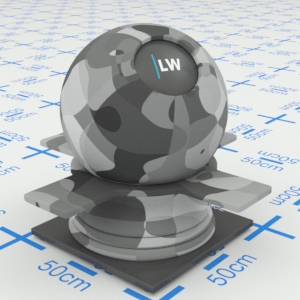
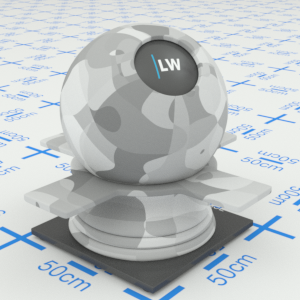
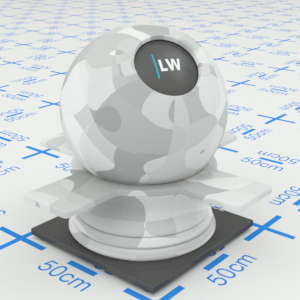
Click material thumbnail for larger view
Controls the size of features in the pattern.
Range: 0 – ∞
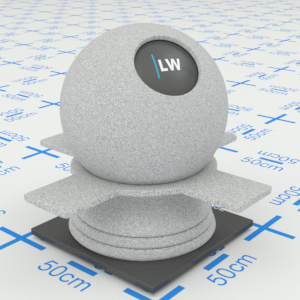
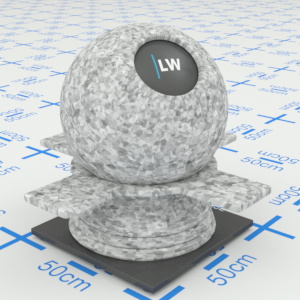
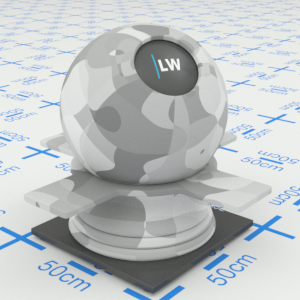
Click material thumbnail for larger view
Last edited: