
Documentation
Documentation
Iray+ Worley Noise, also known as Cell Noise, is a texture built by calculating the distance between randomly distributed points. This produces a pattern similar to clusters of cells, and can be used as an alternative to the Iray+ Perlin Noise map to generate texture effects and procedural textures.
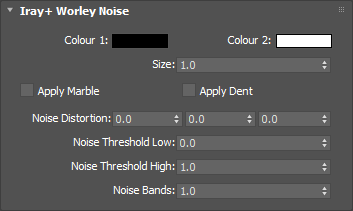
The noise blends between this color and Colour 2. This will have no effect if connected to a Normal/Bump parameter.
Input: Color
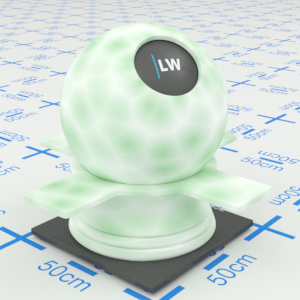
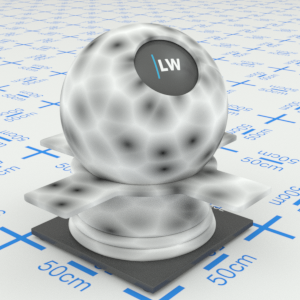
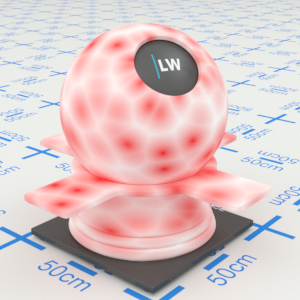
Click material thumbnail for larger view
The noise blends between this color and Colour 1. This will have no effect if connected to a Normal/Bump parameter.
Input: Color
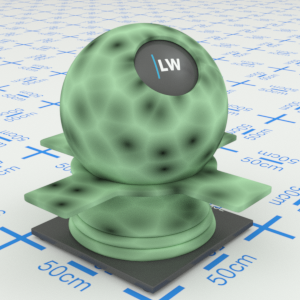
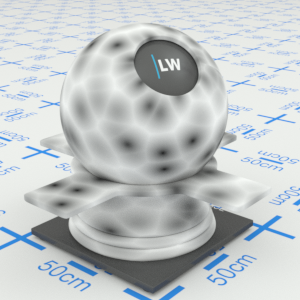
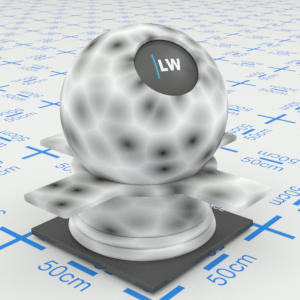
Click material thumbnail for larger view
Controls the size of features in the noise pattern.
Range: 0 – 1000
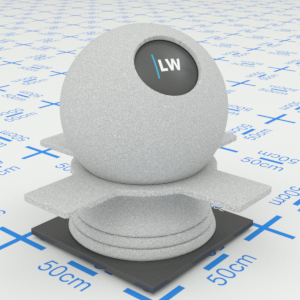
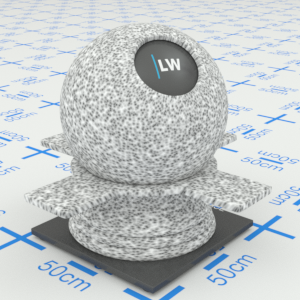
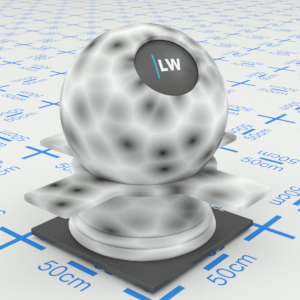
Click material thumbnail for larger view
Modifies the pattern with a marble appearance. Can be used in combination with Apply Dent and Absolute Noise for more complex effects.
Input: On/Off Checkbox
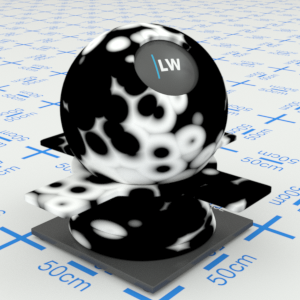
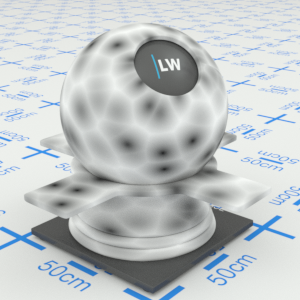
Click material thumbnail for larger view
Intensifies the contrast between the colors but the pattern will stay the same. Can be used in combination with Apply Marble and Absolute Noise for more complex effects.
Input: On/Off Checkbox
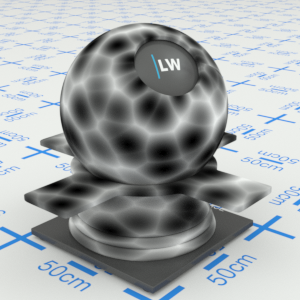
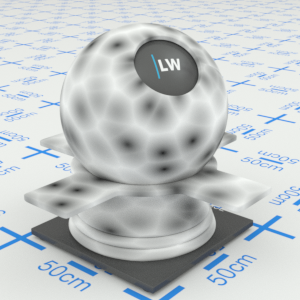
Click material thumbnail for larger view
Controls the weight of additional noise turbulence.
Range: 0 – ∞
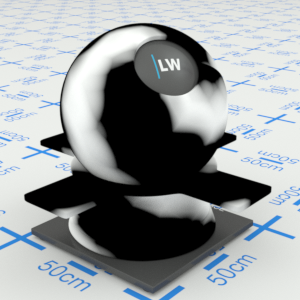
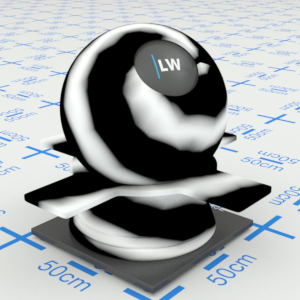
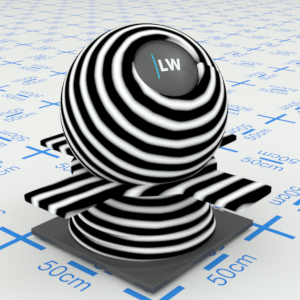
Click material thumbnail for larger view
Noise values greater than Noise Threshold Low are mapped to Colour 2.
Range: 0 – ∞
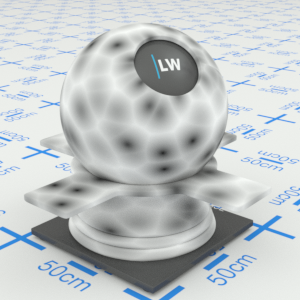

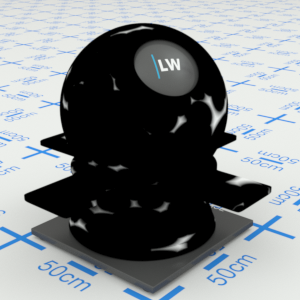
Click material thumbnail for larger view
Noise values greater than Noise Threshold High are mapped to Colour 1.
Range: 0 – ∞
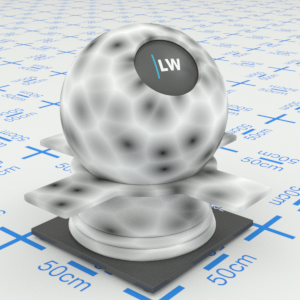

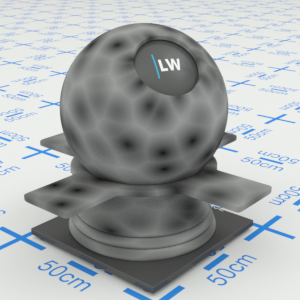
Click material thumbnail for larger view
Can be used to create a "tree ring"-like effect.
Range: 0 – ∞
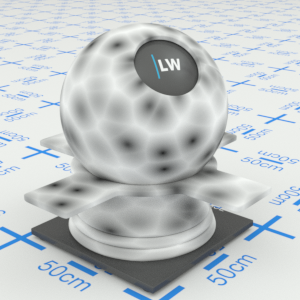
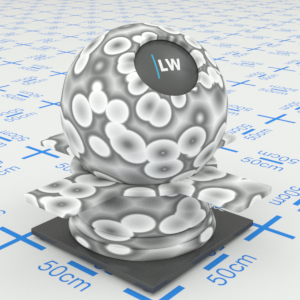
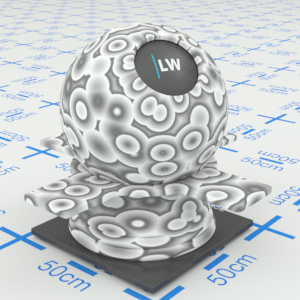
Click material thumbnail for larger view
Last edited: