
Documentation
Documentation
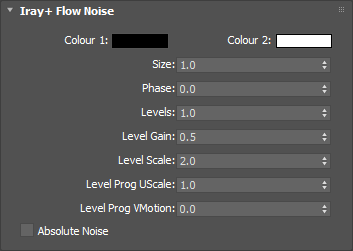
The noise blends between this color and Colour 2. This will have no effect if connected to a Normal/Bump parameter.
Input: Color
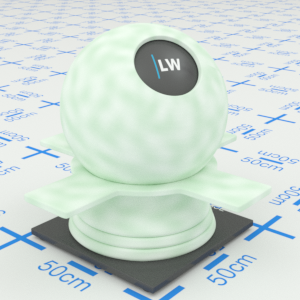
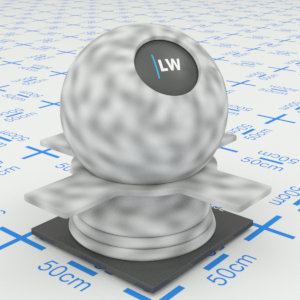
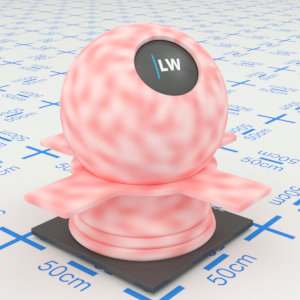
Click material thumbnail for larger view
The noise blends between this color and Colour 1. This will have no effect if connected to a Normal/Bump parameter.
Input: Color
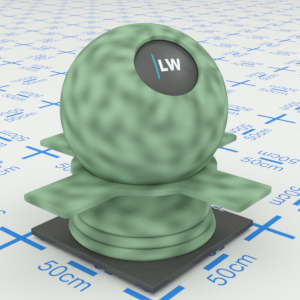
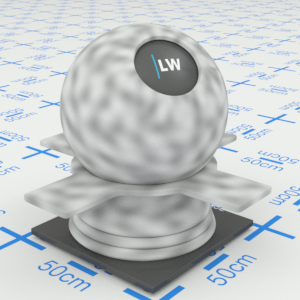
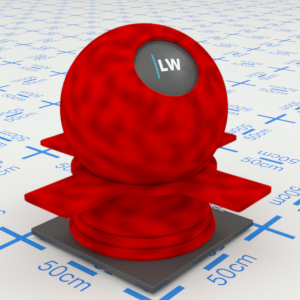
Click material thumbnail for larger view
Controls the size of features in the noise pattern.
Range: 0 – 1000
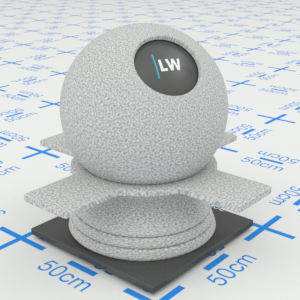
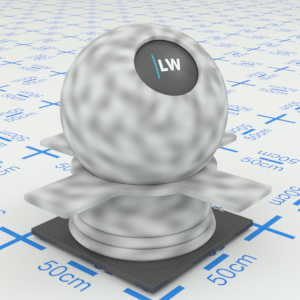
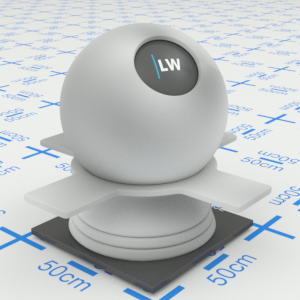
Click material thumbnail for larger view
This can be used as a time control, in conjunction with 3ds Max key frames, to simulate progression of the noise over time.
Range: 0 – ∞
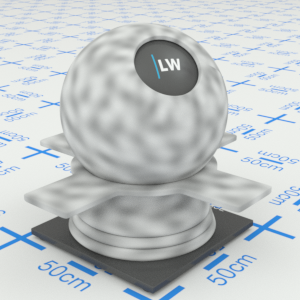
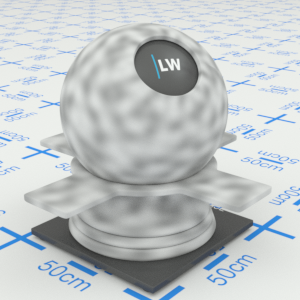
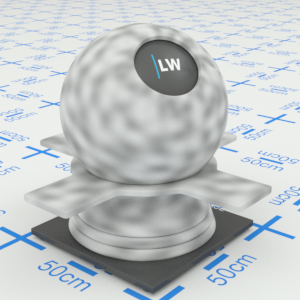
Click material thumbnail for larger view
Controls the number of additional noise functions (octaves) to sample.
Range: 0 – ∞
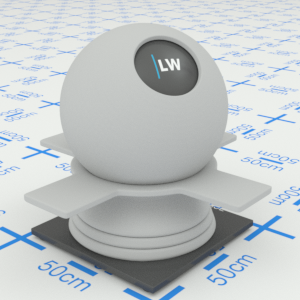
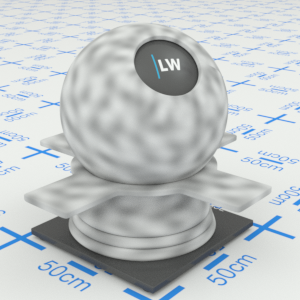
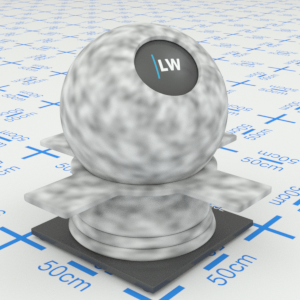
Click material thumbnail for larger view
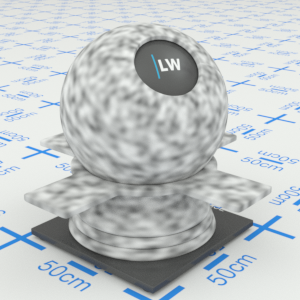
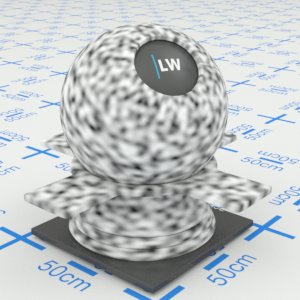
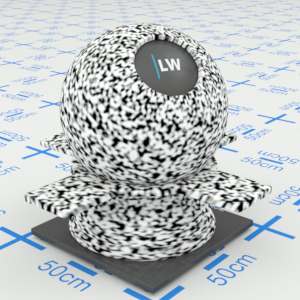
If multiple levels are used, this parameter specifies a weighting factor for subsequent levels. Increasing this will tend to give more contrast between the noise colors.
Range: 0 – ∞
Click material thumbnail for larger view
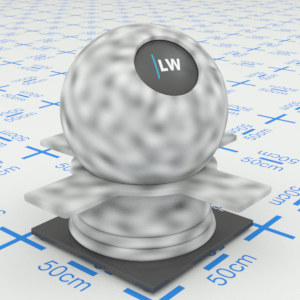
If multiple levels are used, this parameter specifies a global scaling factor for subsequent levels.
Range: 0 – ∞
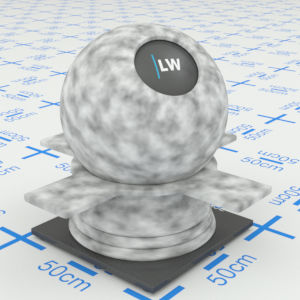
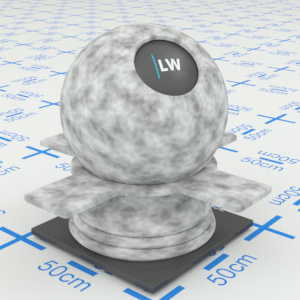
Click material thumbnail for larger view
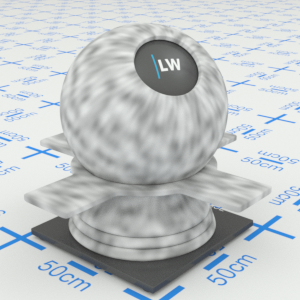
If multiple levels are used, this parameter specifies an additional scaling factor in the "u" direction.
Range: 0 – ∞
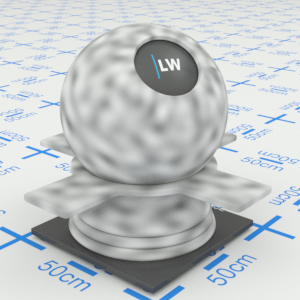
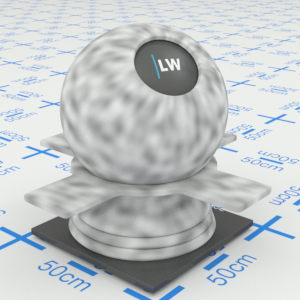
Click material thumbnail for larger view
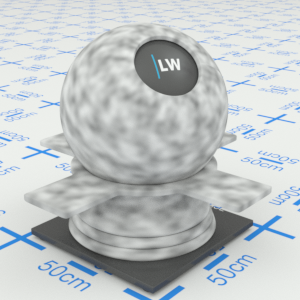
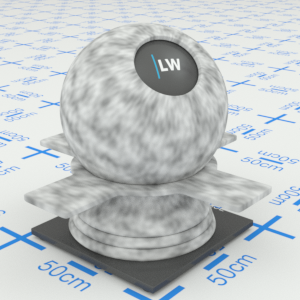
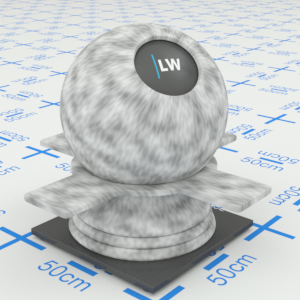
If multiple levels are used, this parameter specifies an offset for subsequent levels in the "v" direction.
Range: 0 – ∞
Click material thumbnail for larger view
When enabled, the pattern will appear more billowing and turbulent.
Input: On/Off Checkbox
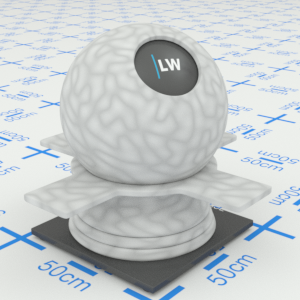
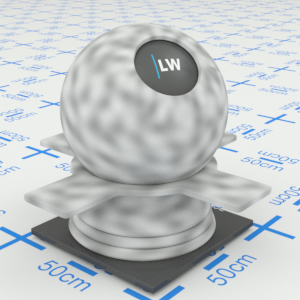
Click material thumbnail for larger view
Last edited: