
Documentation
Documentation
As covered in the LPE Basics Section, the L operator will capture light transport paths that begin from any light source in the scene. A major use case for LPEs is to break the render down into multiple images that each contain only the contributions from certain lights or groups of lights. They can then be edited separately and composited in an image editing program, allowing you to alter the relative brightnesses of the lights, or to recolor them, without having to re-render the scene. In this article we will look at how to use the LPE grammar to achieve this.
We will look at the simple scene shown below:
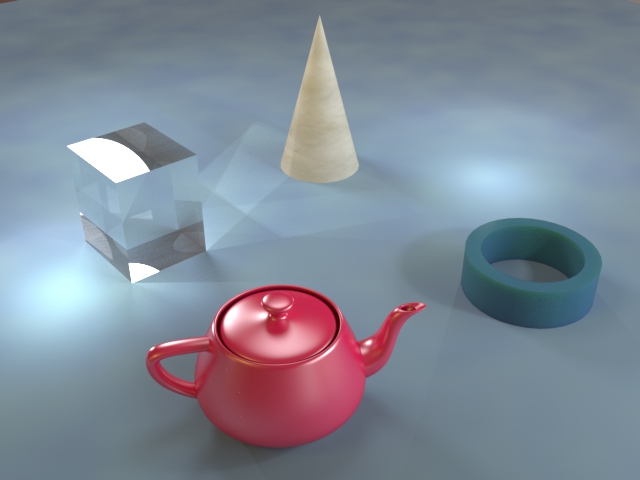
This scene is lit by six separate light sources: an IBL Environment, two point lights (Light_P_1 and Light_P_2), and three area lights (Light_A_1, Light_A_2 and Light_A_3). We want to break the render down into four separate images, each showing only the lighting from one of the following groups:
| Group 1 | Environment |
| Group 2 | Light_P_1 and Light_P_2 |
| Group3 | Light_A_1 |
| Group4 | Light_A_2 and Light_A_3 |
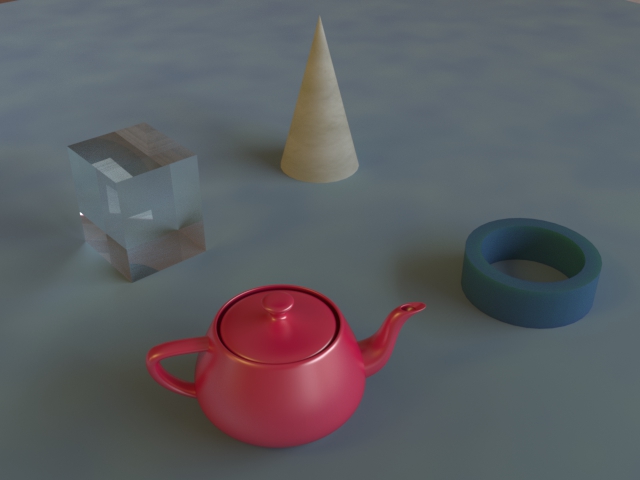
The LPE grammar has the Le operator, which will capture only environment lighting, so the following LPE is all that is required to specify Group 1:
Le .* E
This will generate the following image:
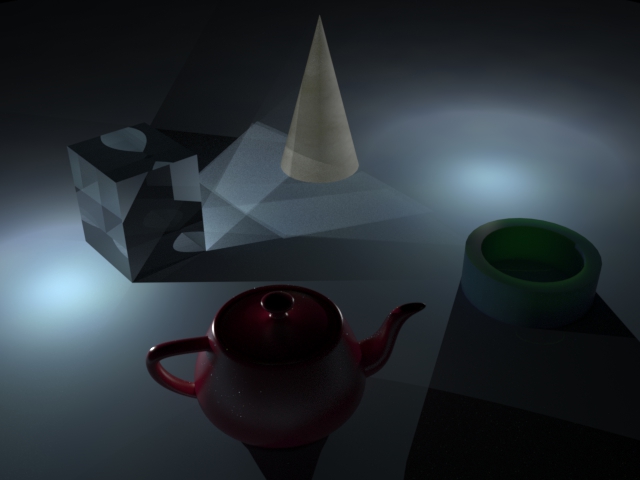
Group 2 is also easy to specify as the LPE grammar has the Lp operator, which will capture light from all point lights in a scene. Our scene has two point lights and these make up the entirety of Group 2, so we can use the following LPE:
Lp .* E
This will generate the following image:
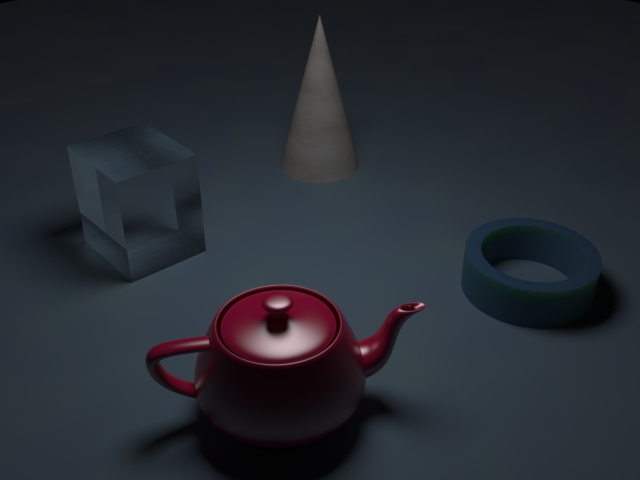
With Group 3 things become a little more interesting. As with environments and point lights, the LPE grammar also allows you to specify area lights using the La operator, but this would capture contributions from all the area lights in our scene. Group 3 contains only one of the three area lights in the scene, so we need to be more specific. We can do this by specifying the handle of the light directly, which is the same as the name of the light in 3ds Max. We use the handle of Light_A_1 to capture Group 3 like this:
<L'Light_A_1'> .* E
<L'handle'> identifies a specific light using that handle. The handle must be in single quotes and the whole thing must be enclosed in triangular brackets. Note that you can also specify that it is an area light by using <La'Light_A_1'>, but this is not necessary as we are already specifying a unique handle. The LPE will generate the following image:
Group 4 is similar to Group 3 in that we again need to reference lights by their unique handles, but this time we need to capture light rays which begin at Light_A_2 or Light_A_3. To do that we use this LPE:
(<L'Light_A_2'> | <L'Light_A_3'>) .* E
The | operator means "or", so the first event in this LPE is now any ray that starts from Light_A_2 or Light_A_3. The two alternatives must be surrounded by brackets to specify that this is a single event. If you wish to specify a group that contains three or more lights then you simply add more "or" events within the brackets. The LPE will generate the following image:
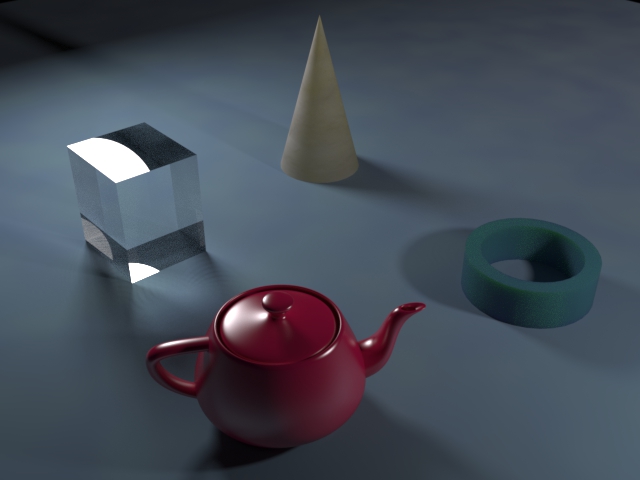
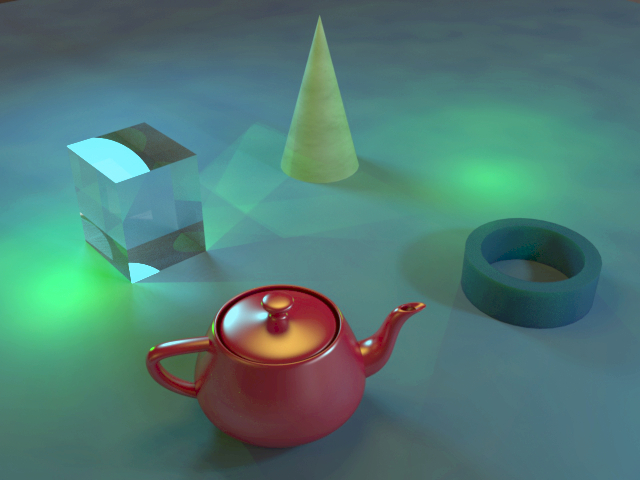
These four LPE render layers can be rendered alongside the standard "Beauty" render with a negligible impact on render time. When completed, the four layers can be combined in image editing software to achieve various effects. For example, the following image shows a composite image where each of the groups of lights has been tinted a different color and the environment lighting has been dropped in intensity:
To continue learning about LPE construction, see the article on Isolating Specific Geometry.
Last edited: